We got up and had a nice breakfast at the hotel. It was raining, but we decided to take our chances and roll downtown.
The first stop I wanted to take the boys to was the old Out of Town News near Harvard. Of course, this meant that I had to explain the concept of a newsstand to them, but I also got to share the story of how Microsoft had been started there. It wasn’t the best experience since it was still raining, and there wasn’t anywhere great to park, but it was some history that is more on the nerdy side.
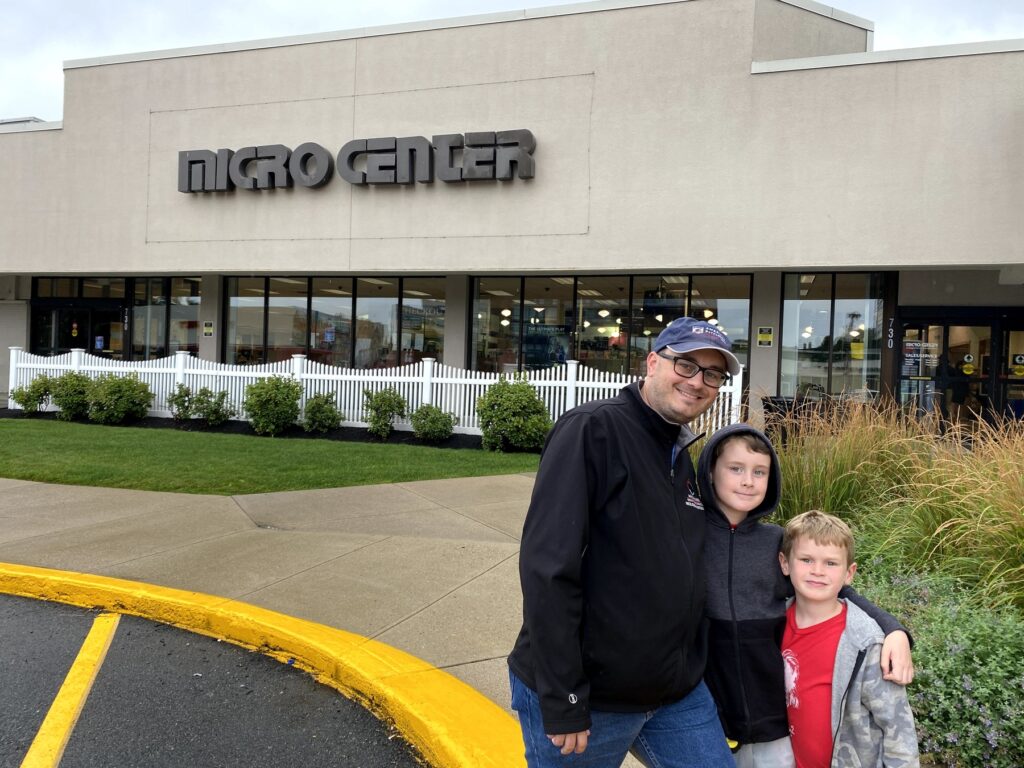
Microcenter is always a hit with my crew. – Photo by Karen Michener
From there, we stopped over at the Cambridge Microcenter – always a favorite store for us. And to be at the one where the MIT folks shop was a treat. It was fun to browse around there, and we were even able to pick up some inexpensive oversized golf umbrellas while we were there. Who would have guessed?
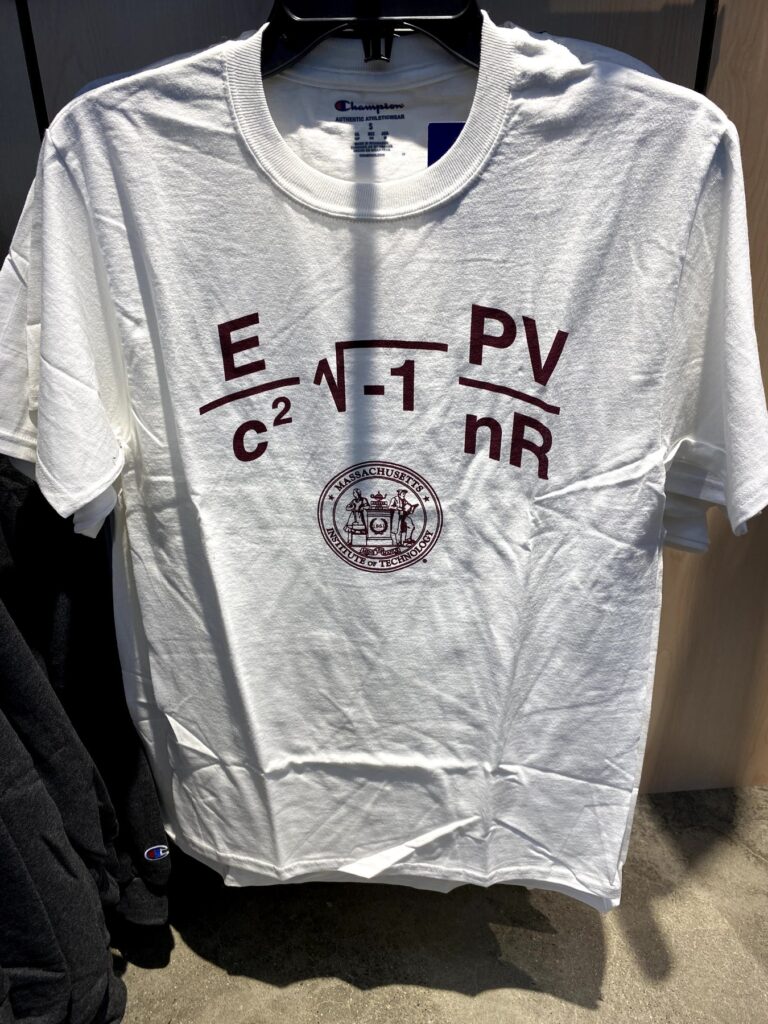
I then took the boys by MIT. Due to COVID-19, we couldn’t really go in any of the buildings, but we were allowed to check out their extremely nerdy bookstore. I especially liked their rather creative “MIT” t-shirts, but they didn’t carry them in the boys’ sizes. Bummer. Both boys were able to pick out postcards that they sent back to their mom – something of a tradition for us now.
One of the nerdiest t-shirts imaginable at the MIT bookstore. – Photo by the author
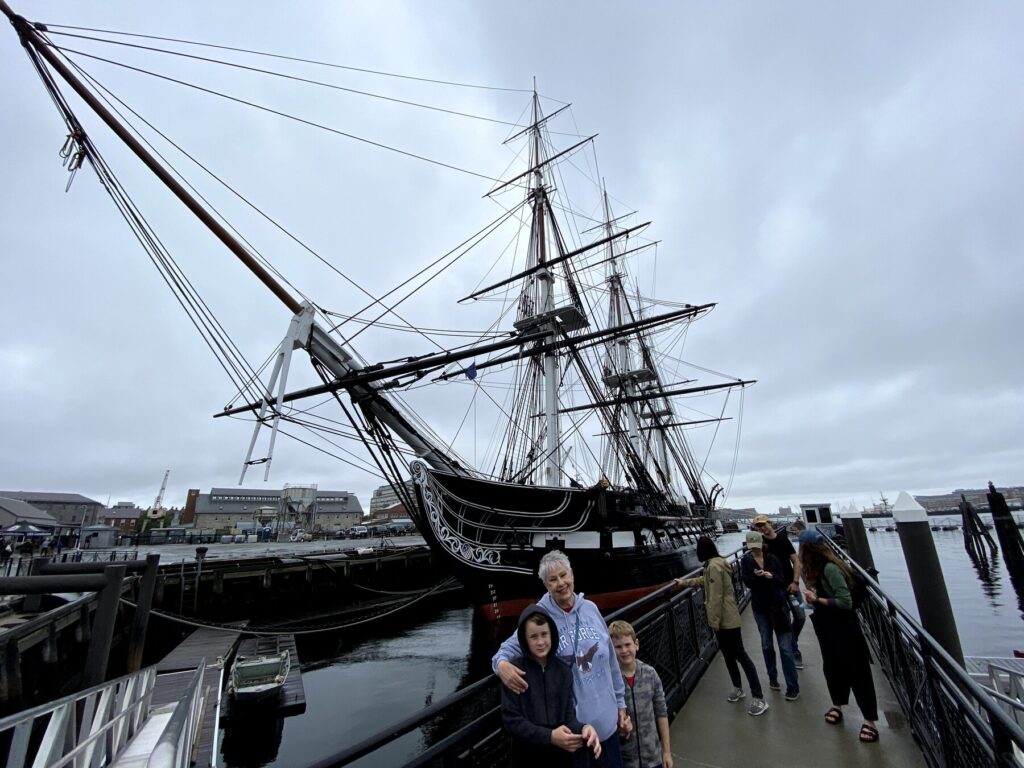
But it wasn’t a complete waste. After passing through security, we were able to go aboard the USS Constitution – the oldest commissioned warship still afloat in the world. It was very cool to be able to explore her and speak with the sailors who keep her in such good shape while sharing her history with the public.
The boys pose with “Nene” in front of the USS Constitution. – Photo by the author
We crossed over into Boston and drove by the Old North Church, and made our way to Faneuil Hall for a late lunch. “Nene” was able to find “fried clams with bellies” that she was very excited about – it was a taste of home for her.
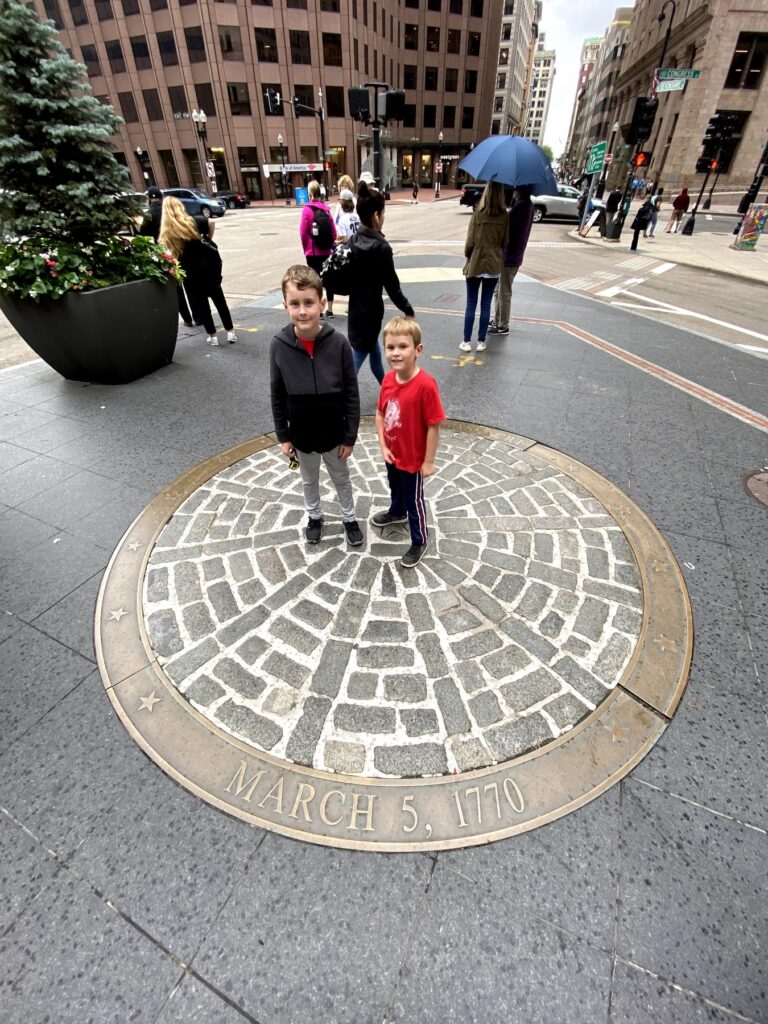
Around the corner, we were able to visit the Old State House, and the site of the Boston Massacre in front of it, which the boys had been reading about in school. It isn’t quite how you picture it since modern-day Boston is certainly more built-up than it was during 1770.
The boys at the site of the Boston Massacre. – Photo by the author
On our way out of town, we drove around Boston Common (and especially to see the monument to the 54th MA) and even got to see Fenway Park. The rest of the evening was spent hanging out at the hotel – including finishing up those Junior Ranger books – and then having dinner at the Burlington Mall food court. There would be more to do in the morning.
I heard through Facebook that the Independence Seaport Museum was hosting a “Family-friendly” tailgating event in celebration of the fact that the 2019 Army-Navy game was taking place that day in Philadelphia. That sounded like a fun thing to do with my boys, and while I had visited the museum ships there several years ago, the boys had never been aboard any kind of historic ship before. No better way to spend a day!
The tailgating turned out to be a bit of a bust. I didn’t see any activities set up, and there was hardly anyone in the museum during our visit. At least we weren’t fighting the crowds, huh? We got combo tickets for the museum and the ships, and started our visit in the museum.
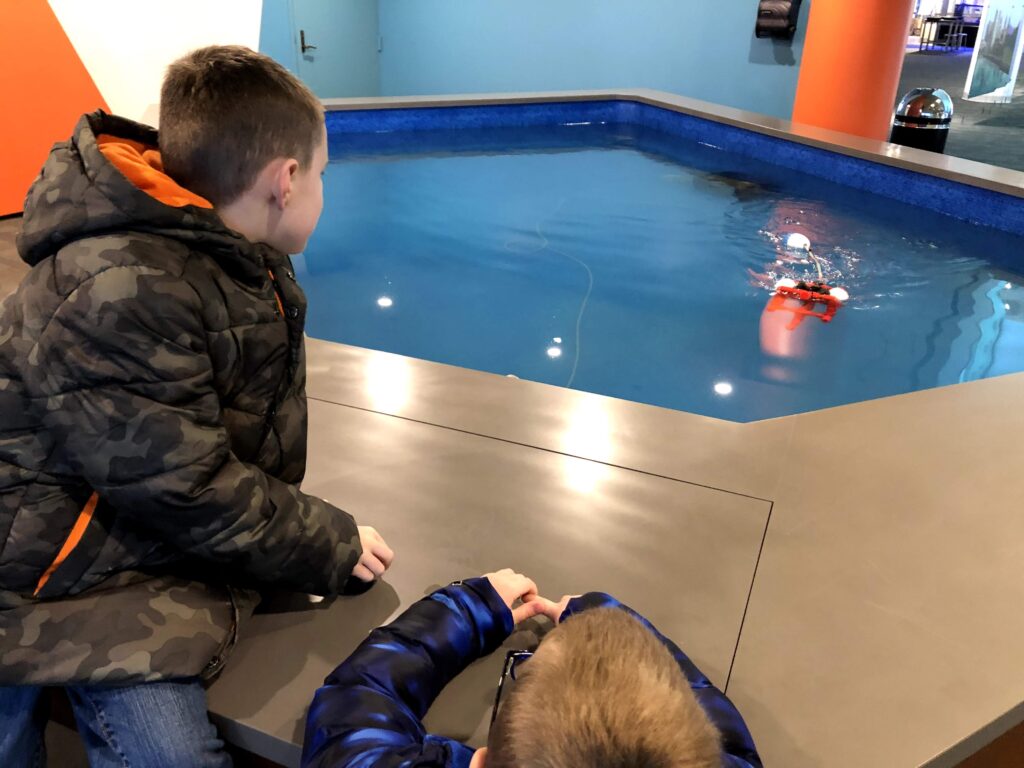
This remote-control submersible was a hit with my guys. – Photo by the author
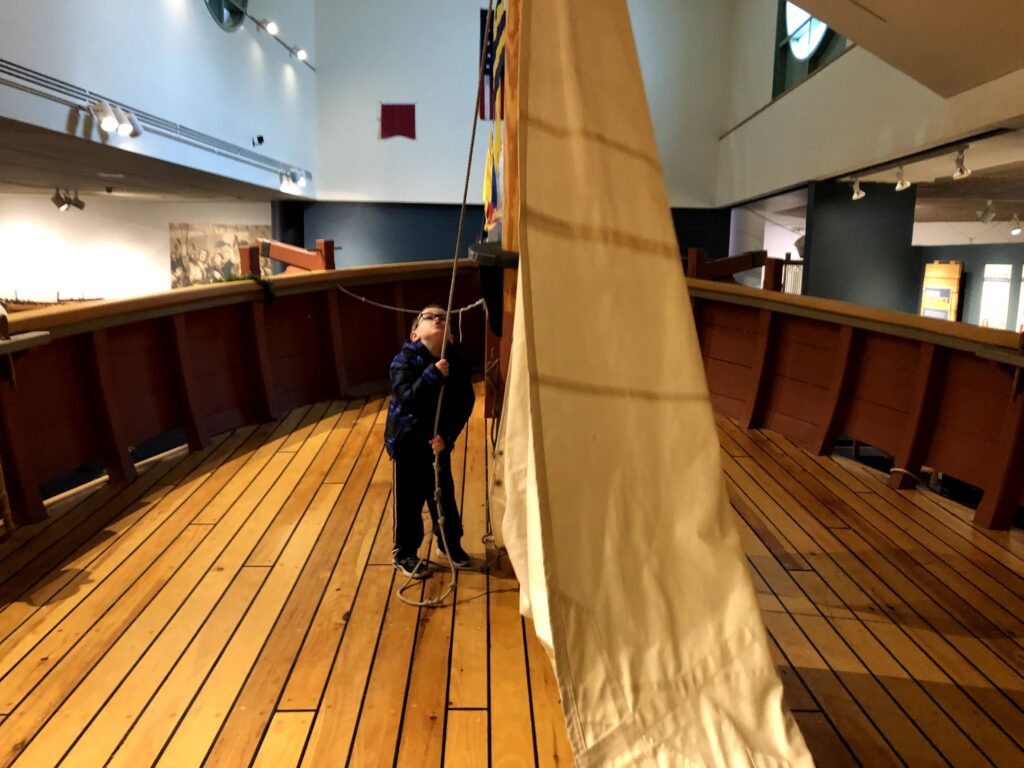
We spent about 45 minutes going through the exhibits in the museum, which were all very kid-friendly. There was a ton of hands-on stuff, too. My guys really enjoyed playing with the remote-control submersible that was in the lobby, as well as the nearly life-size model of a schooner (complete with a sail to raise), and the exhibit on the river as habitat.
Isaac raises the sail! – Photo by the author
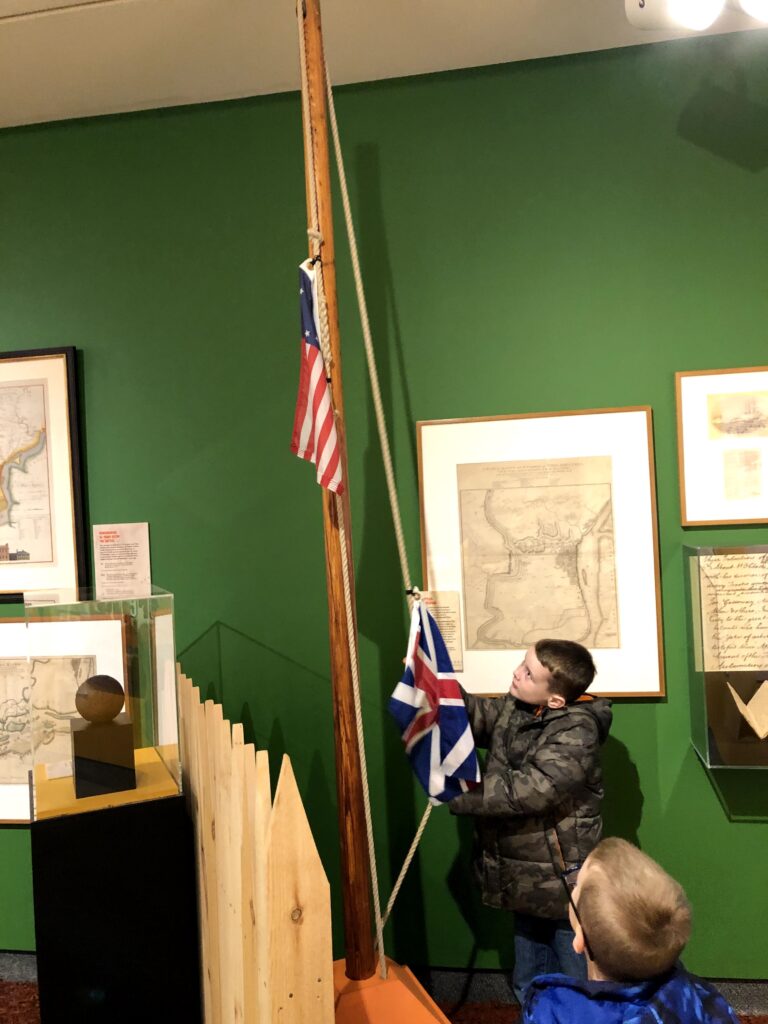
It was also cool to see some local history highlighted that was not explicitly maritime in nature – the very interactive exhibit about Fort Mifflin was a nice introduction to that story. And that’s another place that I need to take the boys to explore soon.
John raises the stars-and-stripes over “Fort Miffln” – Photo by the author
Finally it was time to head outside for the main event: the ships!
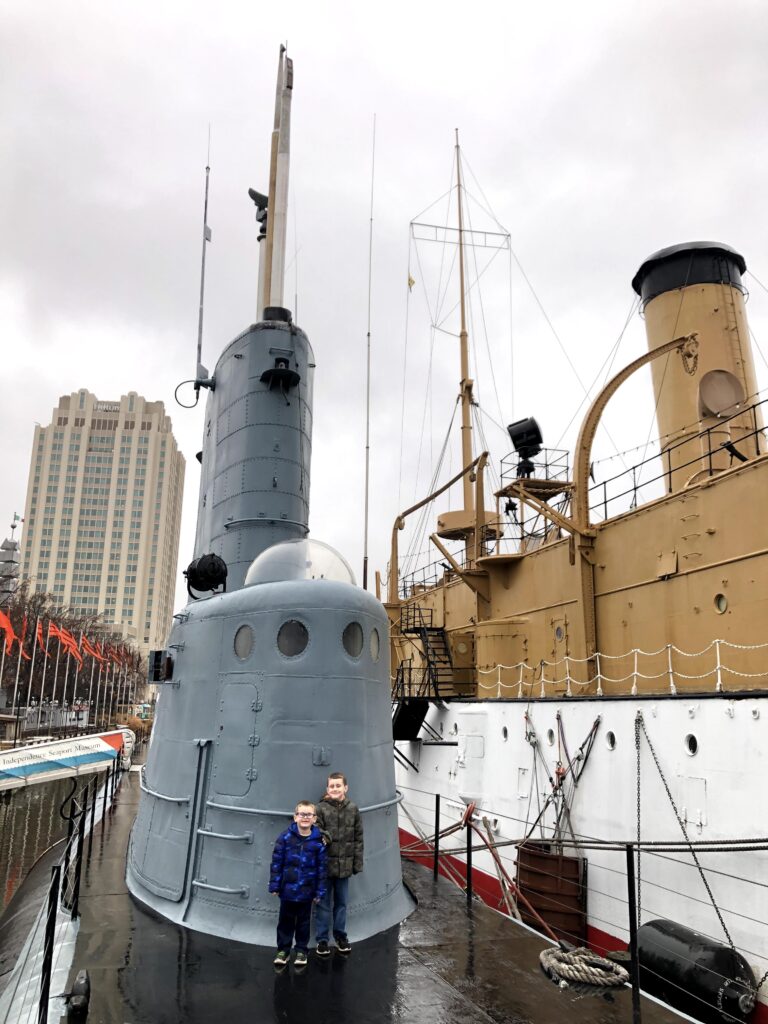
My boys aboard the Becuna with the Olympia in the background. – Photo by the author
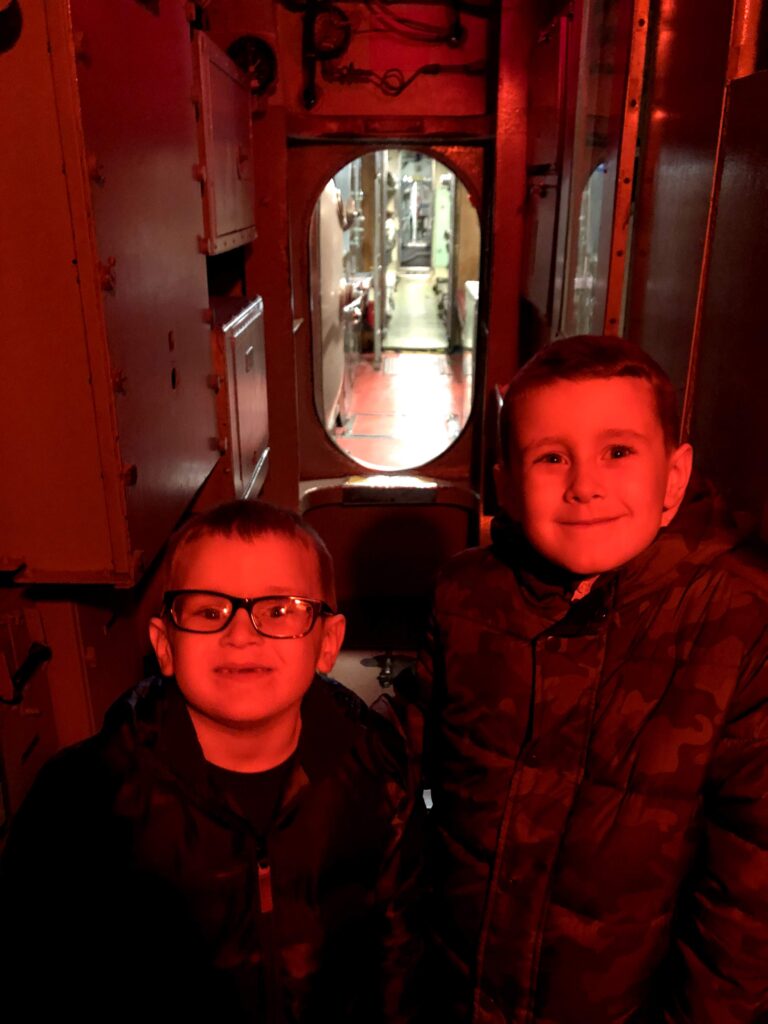
Our first stop was the WWII-era Balao-class diesel-electric submarine, USS Becuna (SS-319). This was the very first warship that the boys had ever been on, and I think they both had a really good time. Neither one seemed to have difficulty moving through the water-tight doors, or through the confined spaces. I had downloaded a tour app that the museum provides on my phone, and that also helped engage the boys with what we were seeing. Isaac especially enjoyed the control room – all those buttons!
The boys in the control room aboard the Becuna – Photo by the author
Next, we went aboard the Protected Cruiser USS Olympia (C-6). This ship is most famous for being Commodore George Dewey’s flagship at the Battle of Manila Bay during the Spanish-American War. She also brought the unknown soldier home following WWI. I believe that she is also the oldest steel-hulled warship still afloat in the world.
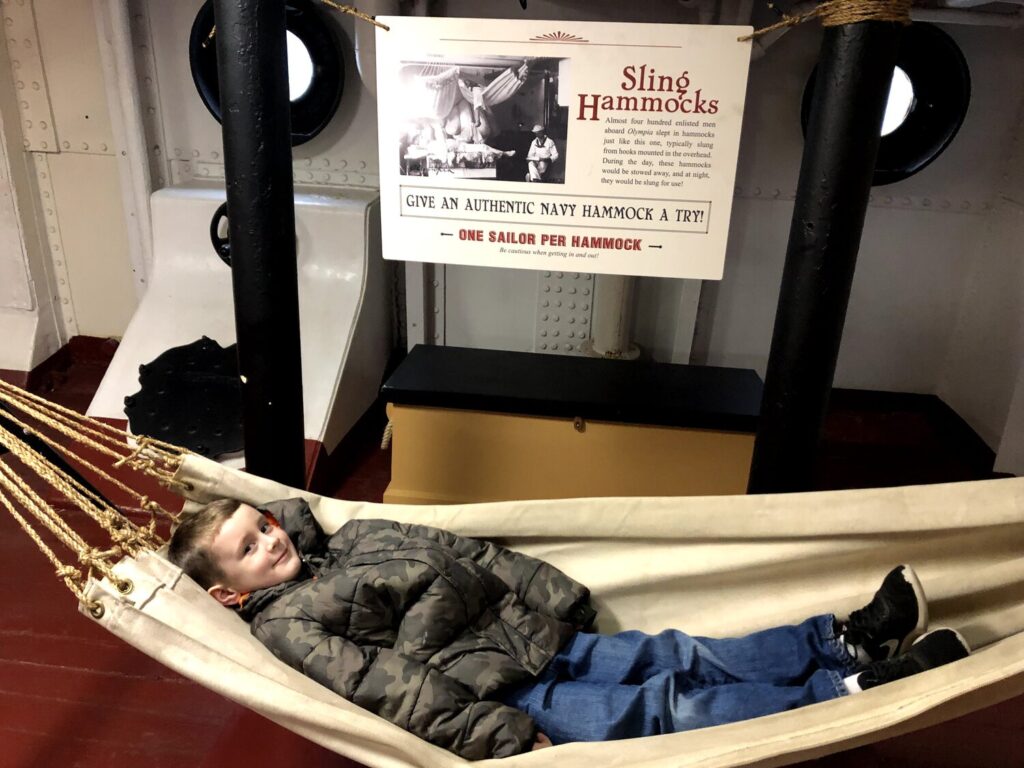
The boys noted how much larger and fancier this was than the newer submarine. I think that John especially enjoyed this ship – he took a couple of turns in the demonstation hammock aboard in the berthing area. We got to do the whole tour here, but weren’t able to go up on the deck because of the rainy conditions that day.
John tries out a Navy hammock! – Photo by the author
As we disembarked, the boys looked across the river to the massive Iowa-class Battleship USS New Jersey (BB-62) over in Camden, NJ, and told me that they wanted to visit that ship next. It was a really great day for my crew that set up some more adventures to come.
This post is a continuation of the trip I started with the Ten Crucial Days.
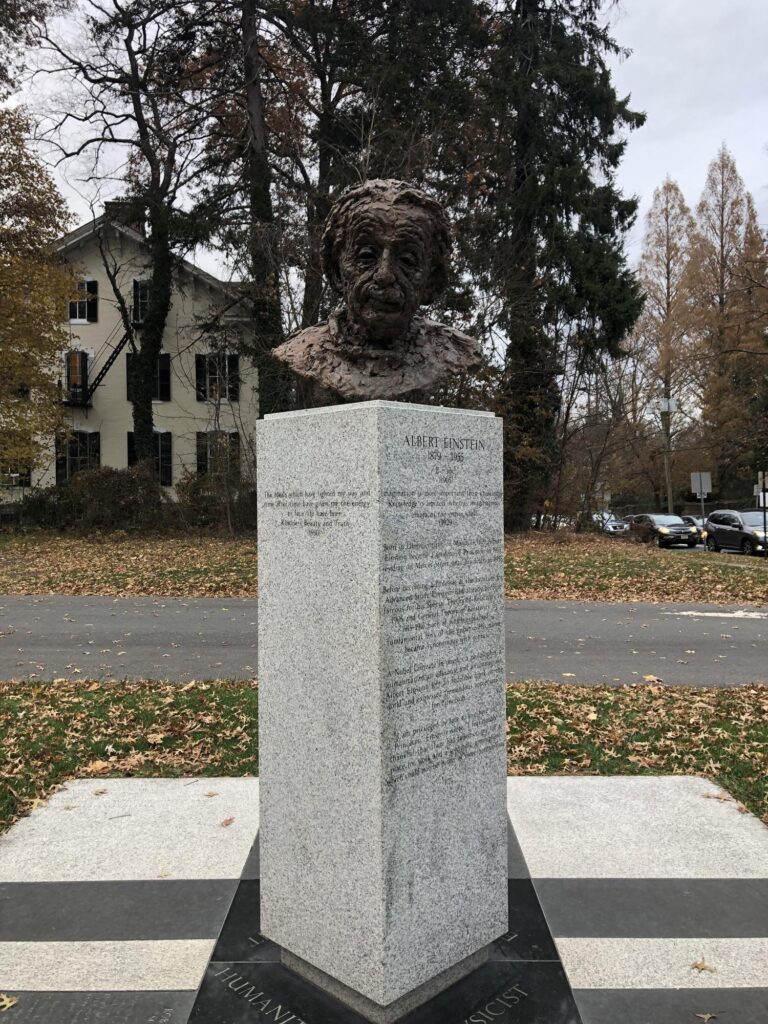
On the far side of the square in Princeton, there is a monument to Albert Einstein, who worked at the Institute for Advanced Study after fleeing Nazi Germany. I actually drove past the house that he lived in for the rest of his life. The road trip had now turned to the realm of technology history.
The monument to Albert Einstein in Princeton. – Photo by the author
Skillman, NJ
About 20 minutes from Princeton is a very small town – in fact, that’s even generous. There is an intersection and a post office, as well as a large Johnson & Johnson complex nearby that lists its address as being in Skillman, NJ.
I honestly don’t know too much about how it came to be – there are some accounts in the family lore – but they must have some truth to them. I know that my family first came to this country through the New York / New Jersey area, so it makes sense that my family would have a connection here.
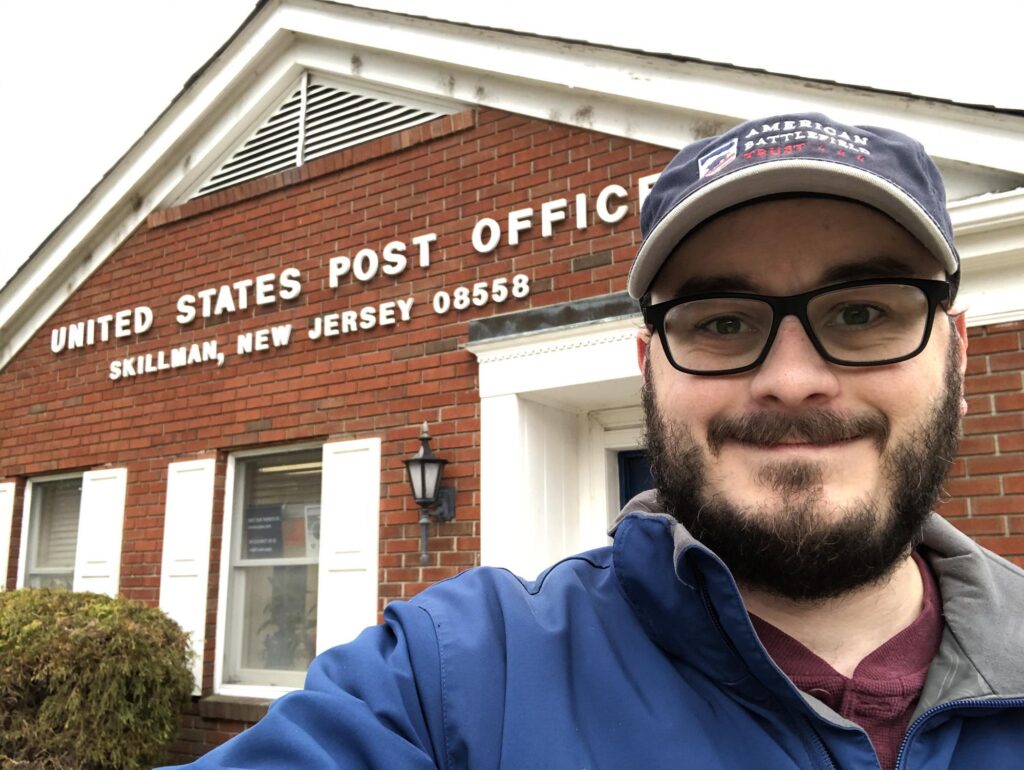
Selfie at the Skillman, NJ post office. – Photo by the author
I stopped by the post office and got a selfie, as well as a few postmarked slips of paper inside as souvenirs. The lady working the desk was very kind when I told her of my family connection to this place. One day, I need to find a reason to bring my boys here.
Bell Labs – Murray Hill, NJ
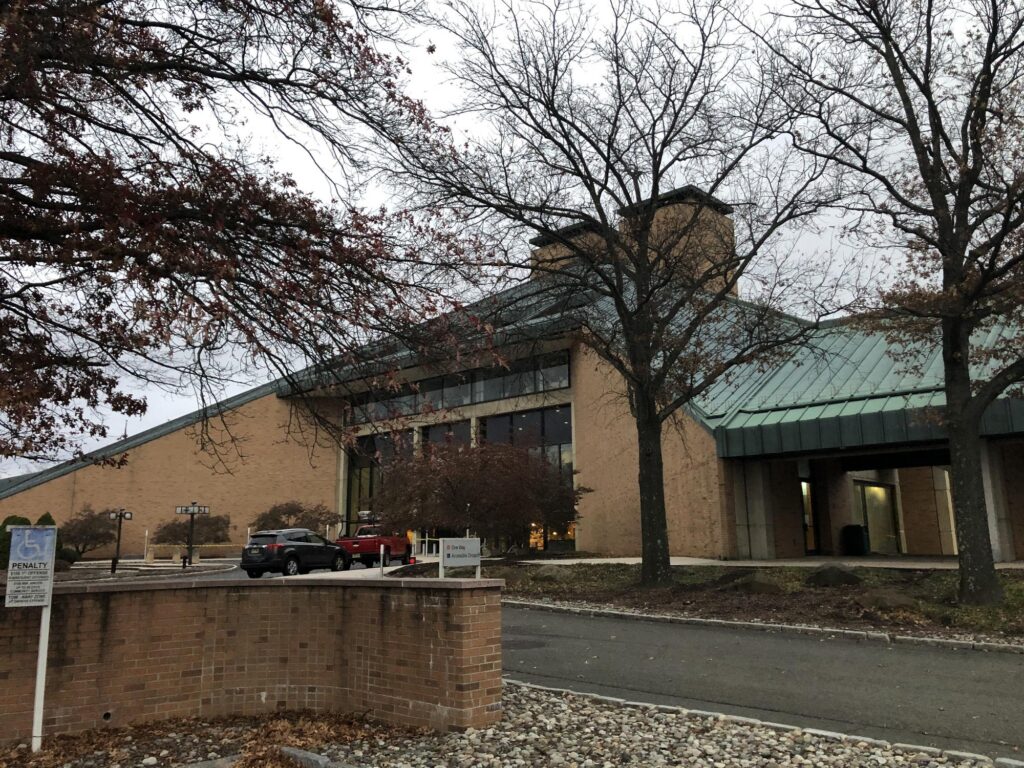
The entrance to Bell Labs. – Photo by the author
This is one of those stops that the technology nerd in me had been dreaming about for some time. It’s hard to overstate just how important Bell Labs was. This was the “silicon valley” of its day. The modern world was basically invented in this building.
Prior to the breakup of the Bell System, a small portion of every phone bill in America went to fund technology research here. They basically just hired a ton a really smart people across an array of disciplines, and put them in a building together hoping that magic would happen that would be useful to the phone system. So many inventions – and Nobel prizes – came out of their efforts.
In recent years, it has gone through multiple owners, and the most recent, Nokia, has announced that they no longer need this building and will be leaving in a few years. I hope that something of it can be preserved. It’s an incredible feeling to be inside that structure.
The small museum here: the “Bell Labs Technology Showcase”, really gives a sense of the impact of all these brilliant people working together in the “Idea Factory“. I took a bunch of photos, with the highlights below.
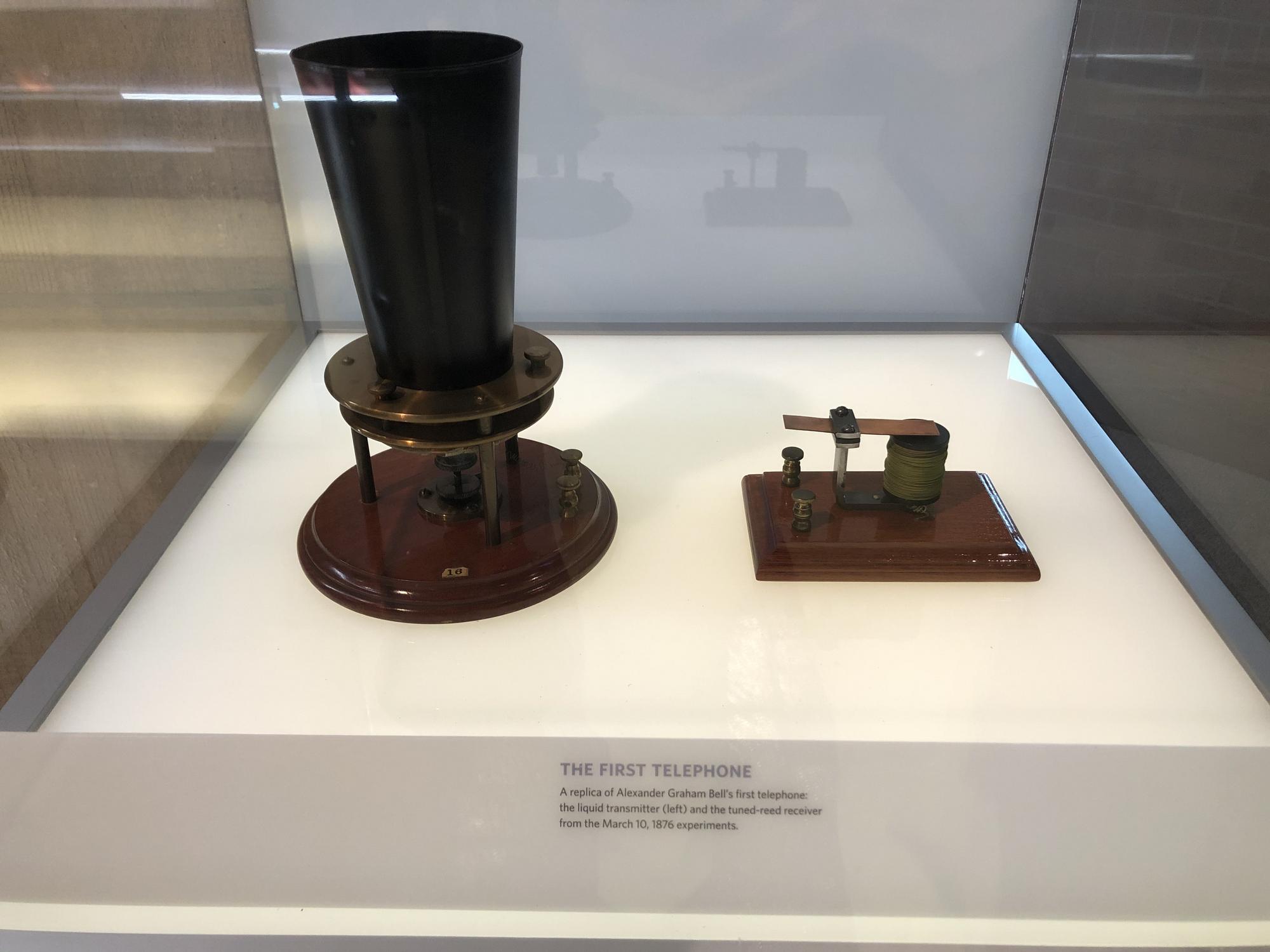
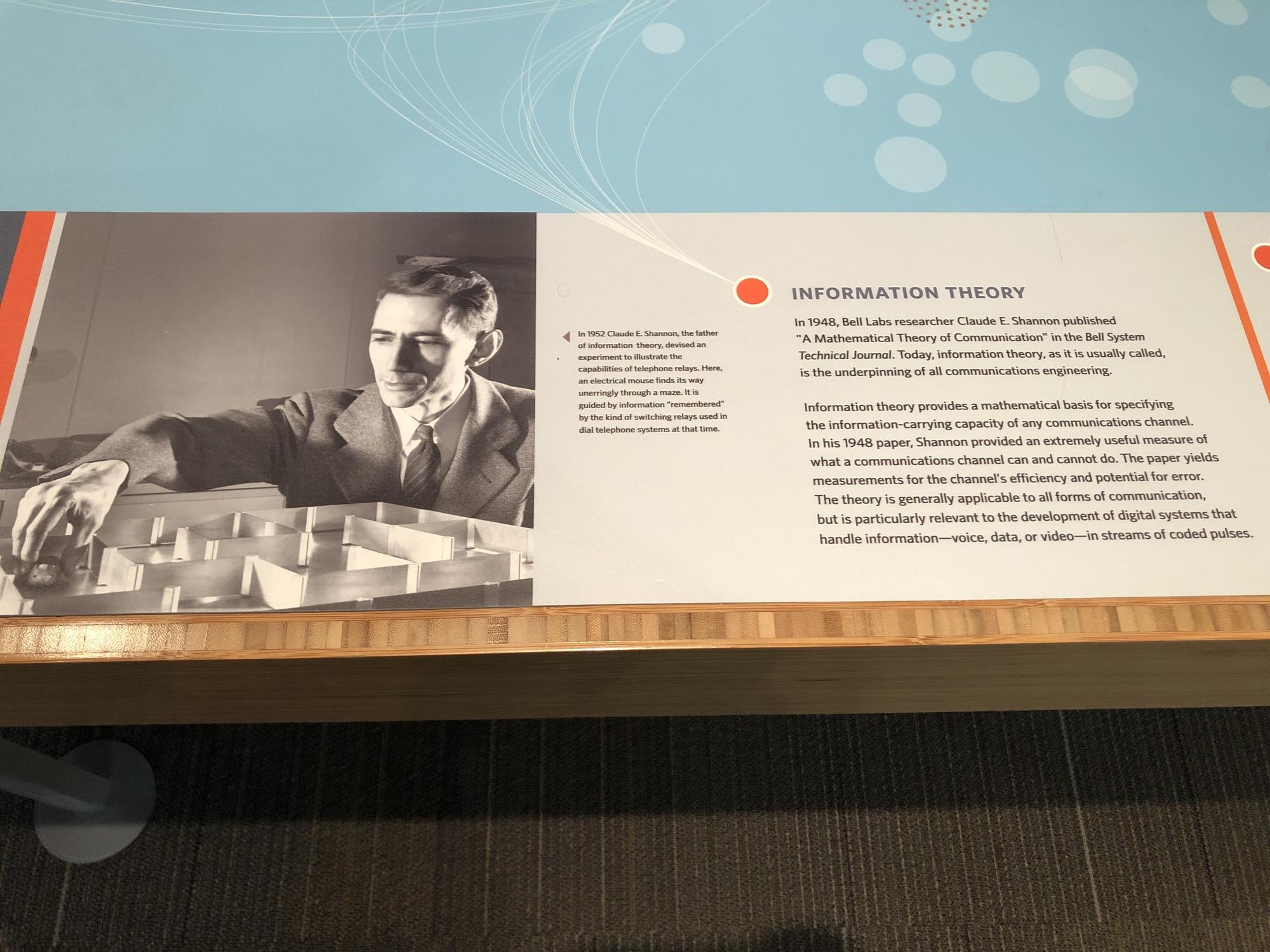
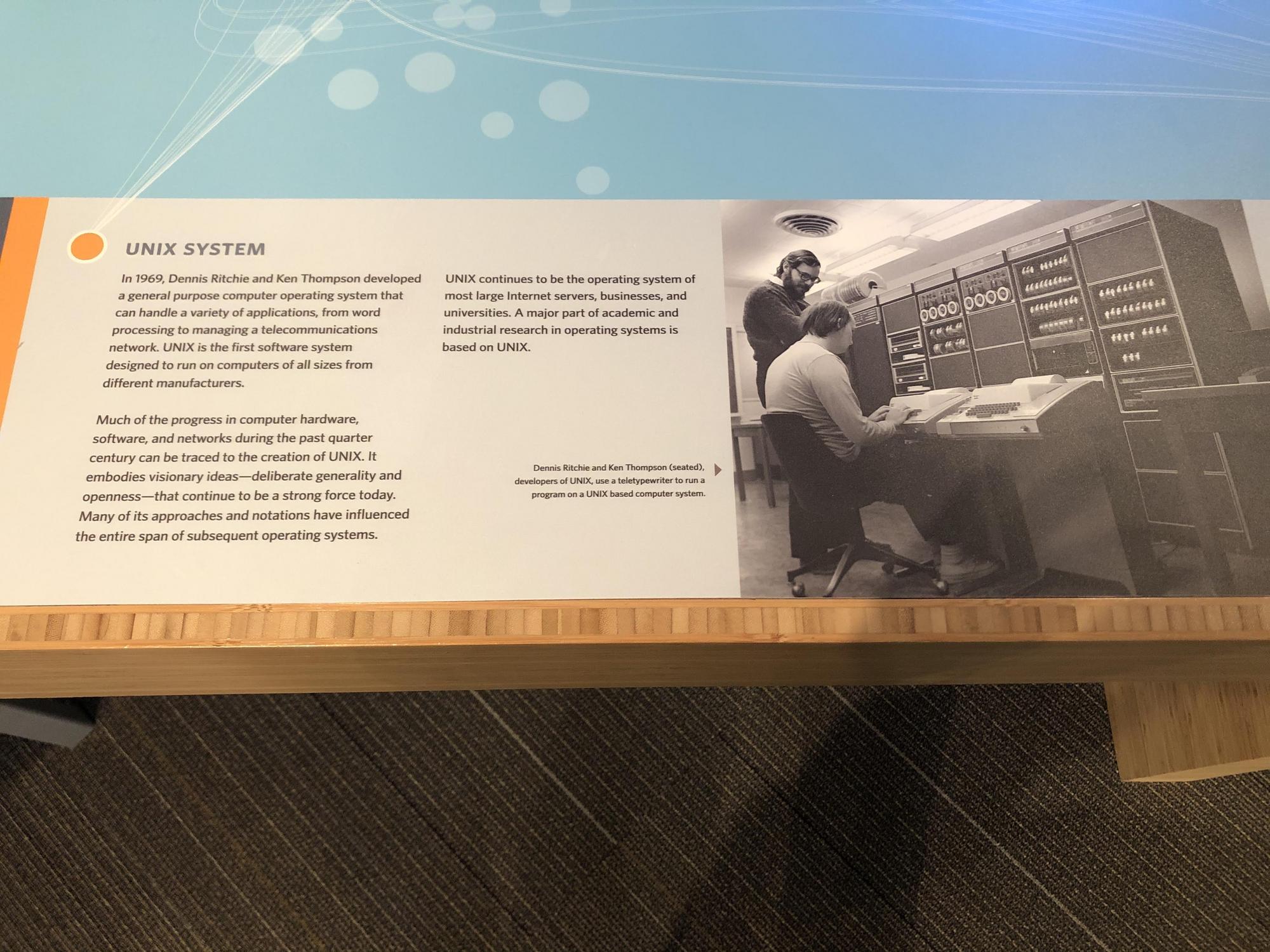
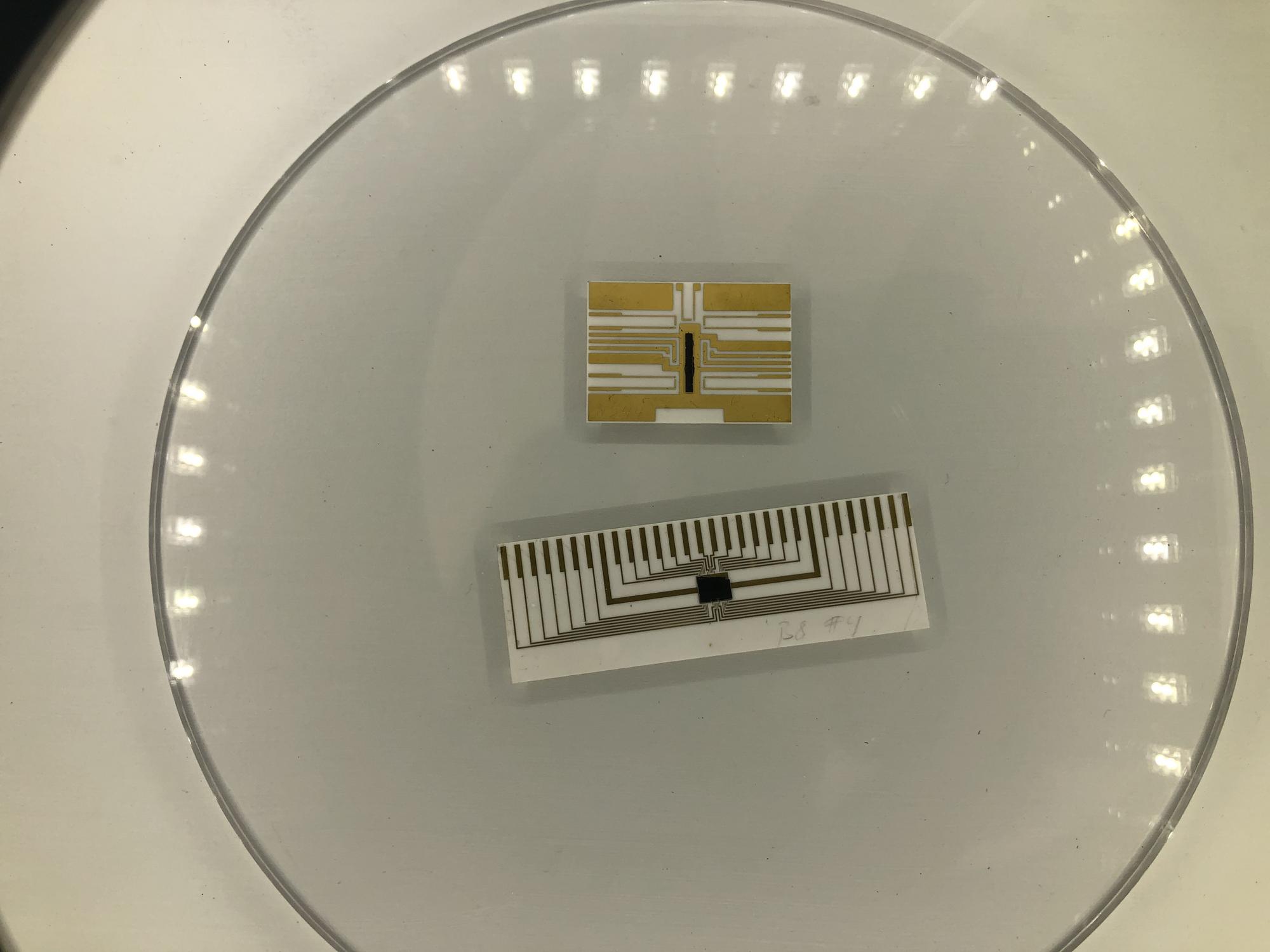
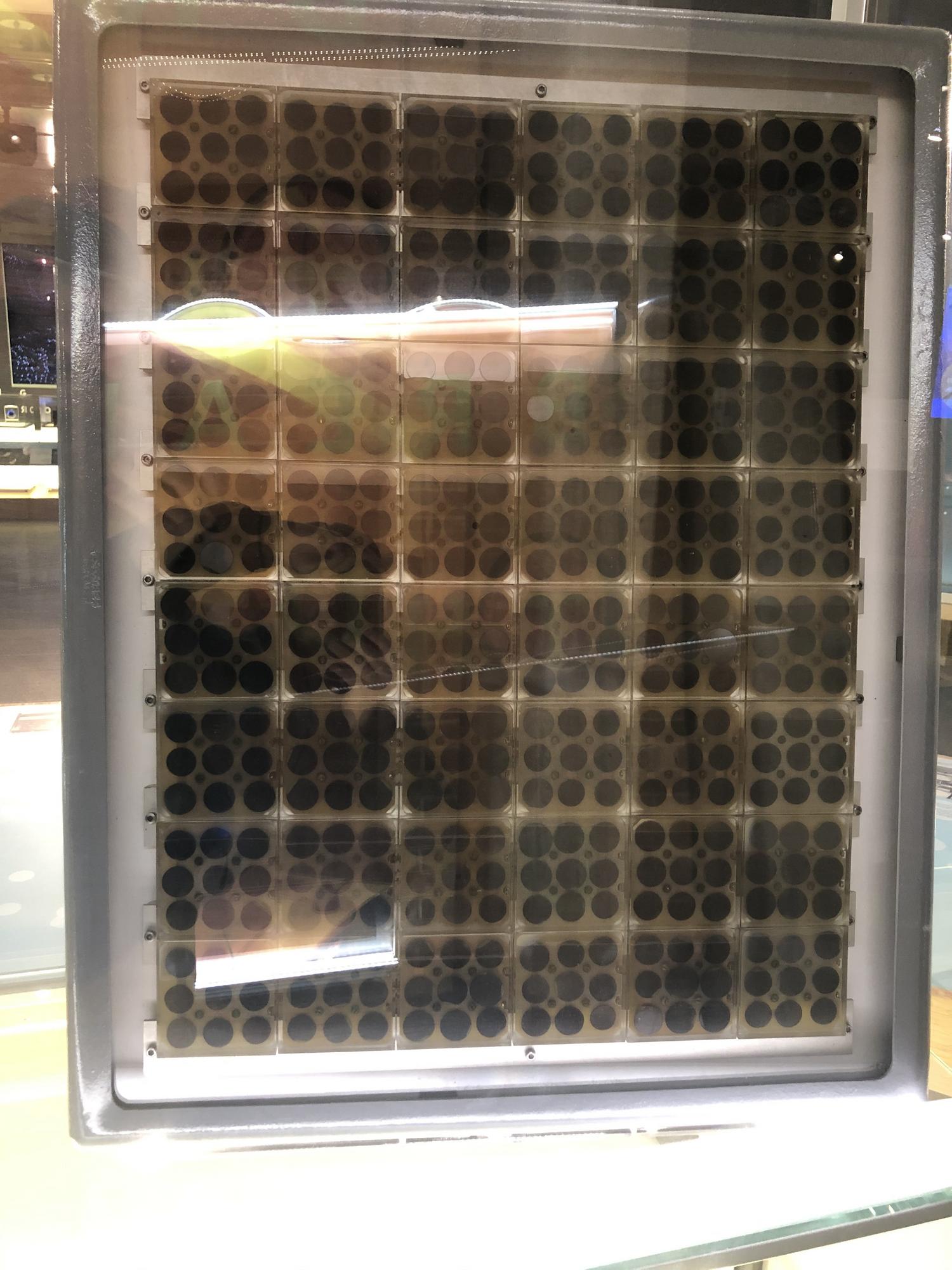
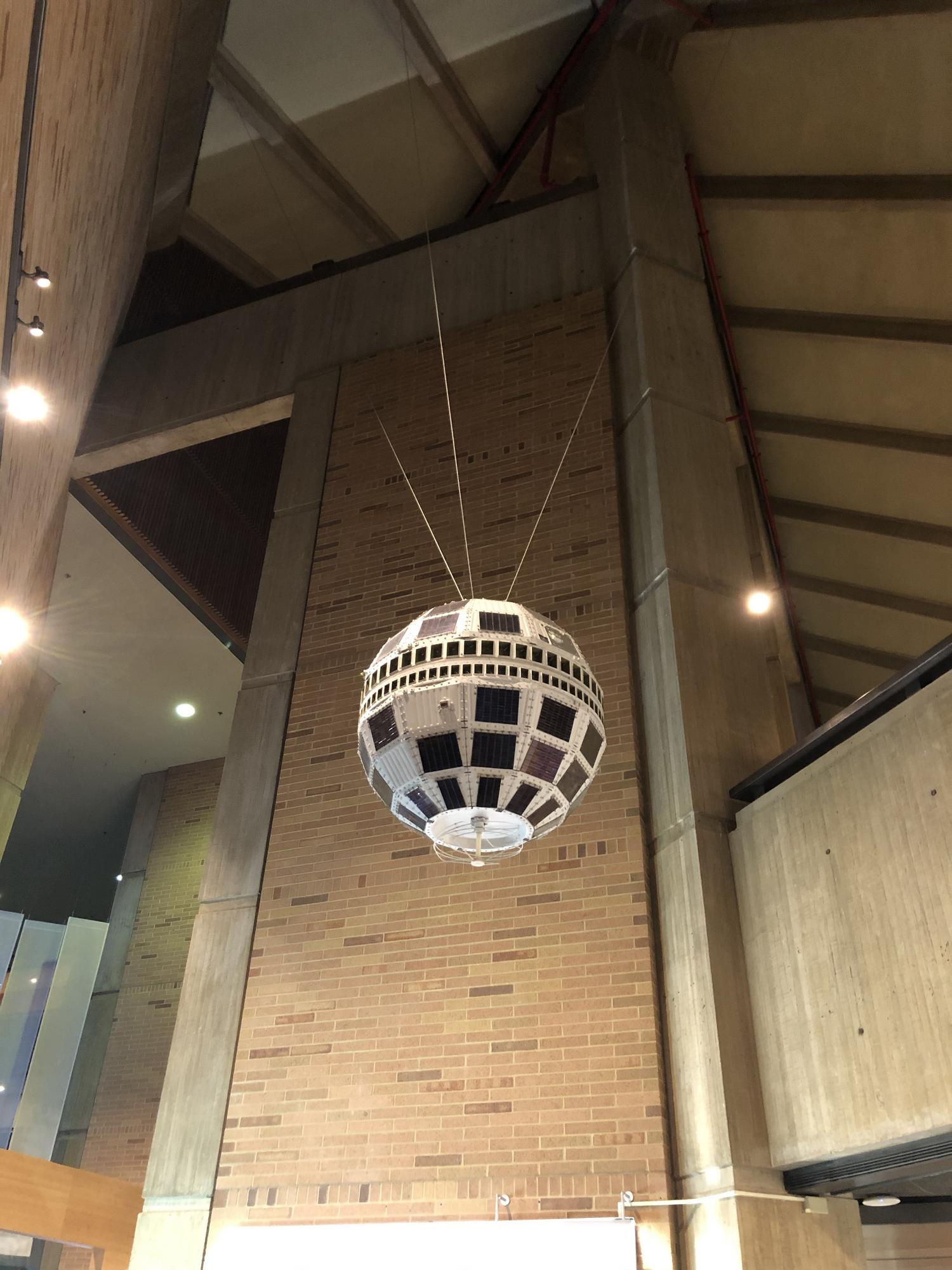
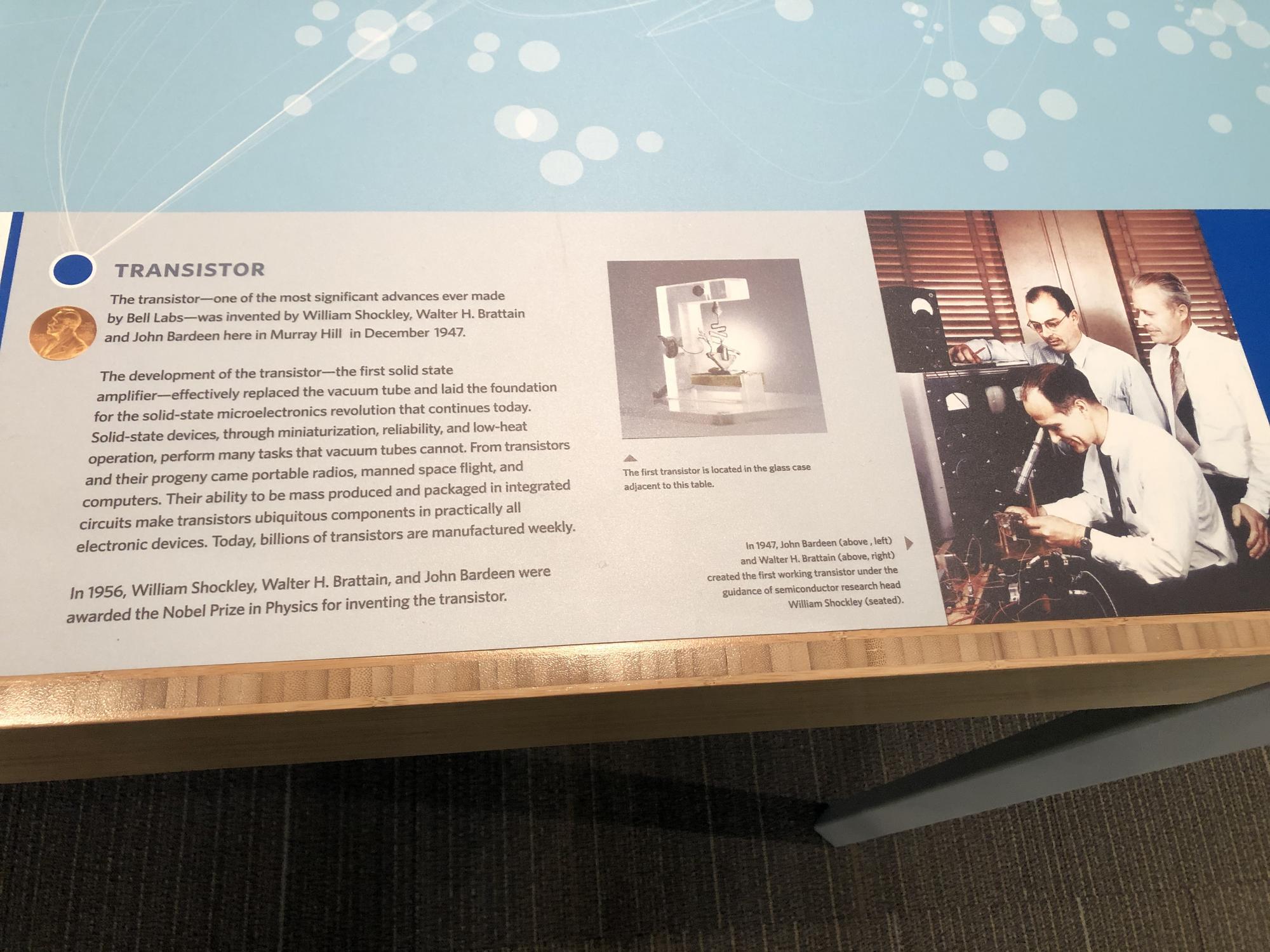
Sign at the entrance to the museum. – Photo by the authorA model of the original telephone by Alexander Graham Bell. – Photo by the authorClaude Shannon invented Information Theory here – including the idea of “bits”. – Photo by the authorDennis Ritchie and Ken Thompson created the UNIX operating system here. Its descendents include FreeBSD, Linux, MacOS, iOS, and Android. – Photo by the authorThe CCD – the sensor that makes digital photography possible – was also invented here. – Photo by the authorThe “solar battery” was created with the idea of using it to power rural phone service. – Photo by the authorTelstar – the world’s first communications satellite. – Photo by the authorPerhaps the greatest single invention to come out of Bell Labs was the transistor. This enabled electronic computers. – Photo by the author
Since I had already taken the day off work to get some dental work done in the morning, I figured that I might as well use the rest of the day to check out some history stuff that had been on my list for a while. It was time to head north, to Phoenixville, PA.
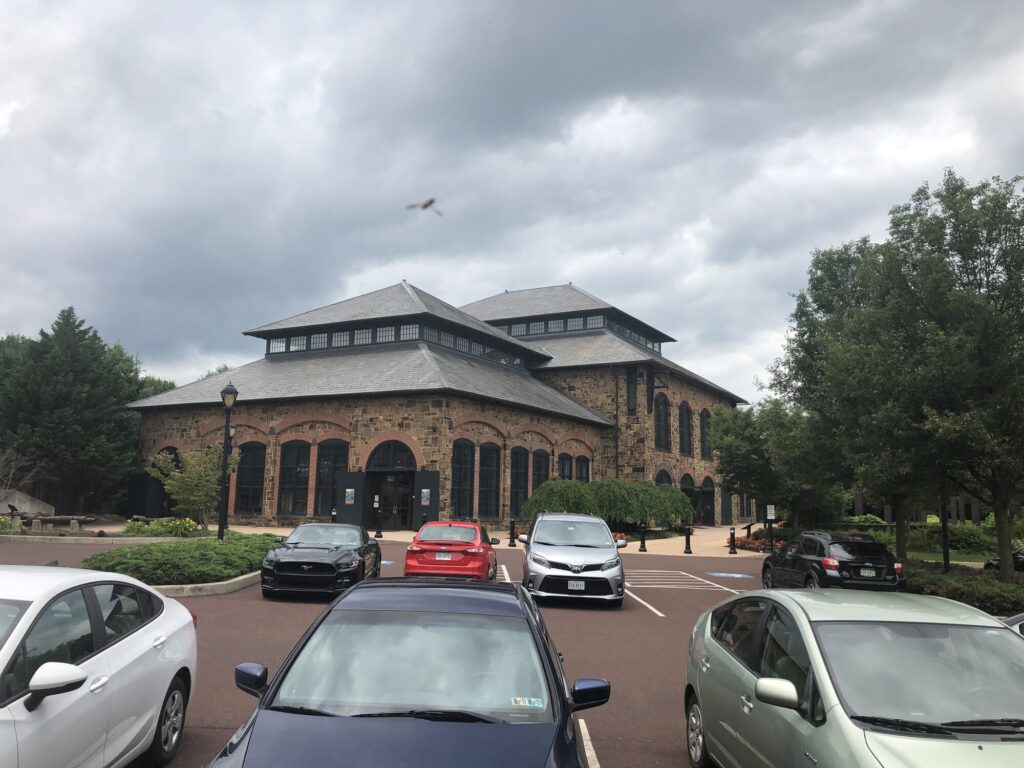
The 1882 Foundry Building has been preserved as an event venue. – Photo by the author
This cool town was once the home of the Phoenix Iron Works, a large industrial operation that made a number of iron products. The most interesting ones for my purposes were the 3-inch Ordnance Rifle that was used by the Union army during the Civil War. A large majority of the cannons of this type were made right here in Pennsylvania along the Schuylkill River.
After my recent visit to the West Point Foundry in New York, I felt that I had to see this other artillery factory that was closer to home. In retrospect, I’m really glad that I decided not to wait any longer – as you’ll see in a little bit.
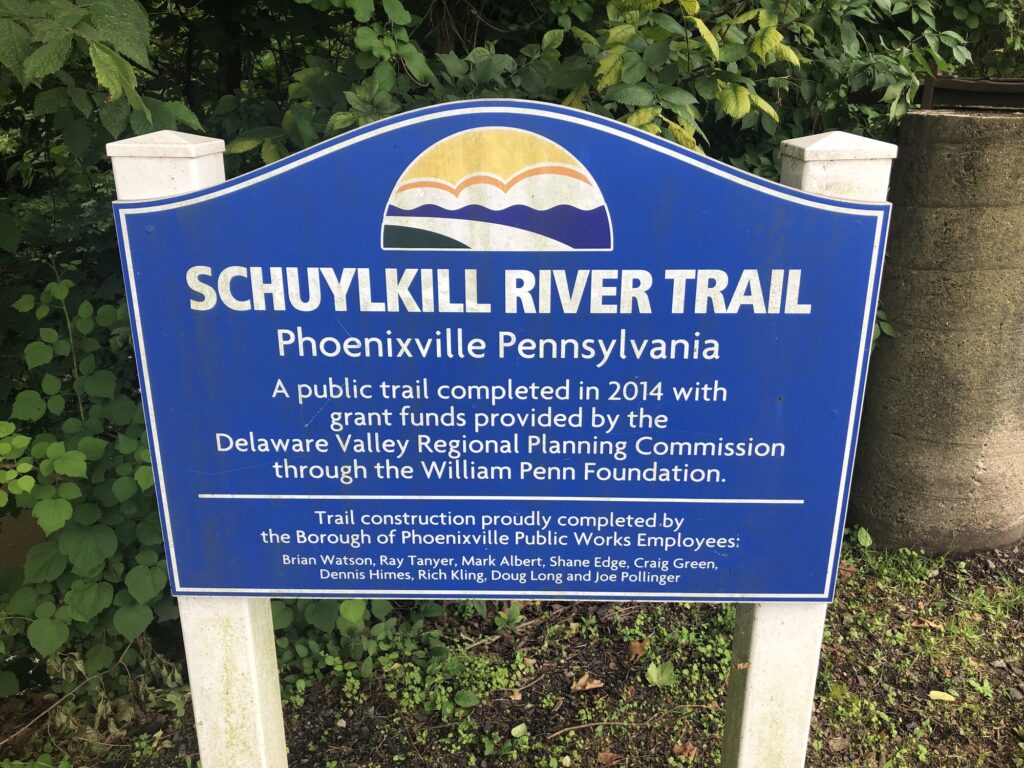
Signage for the Schuylkill River Trail near the old iron works site. – Photo by the author
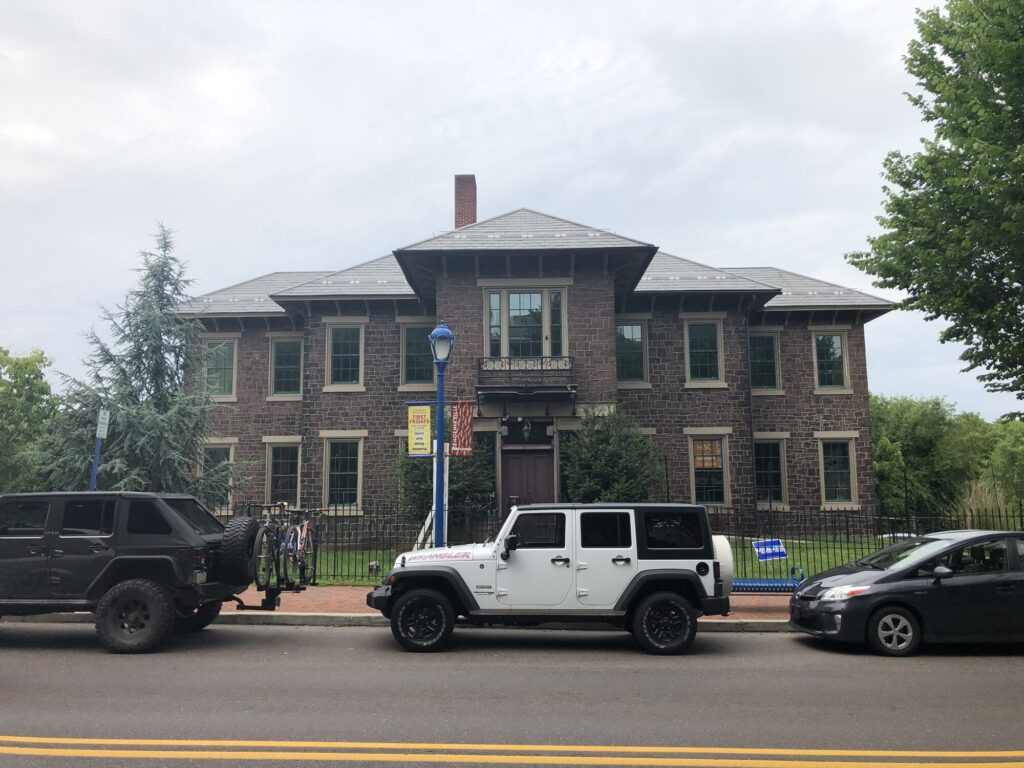
There are a few remnants of the old iron works still around. The most notable is the Foundry Building that was built in 1882. This structure has been restored and now serves as an event venue (with a small museum as well). A few blocks over, the Superintendent’s Office Building still exists as a restaurant. It was vacant during my visit.
The Superintendent’s Office Building. – Photo by the author
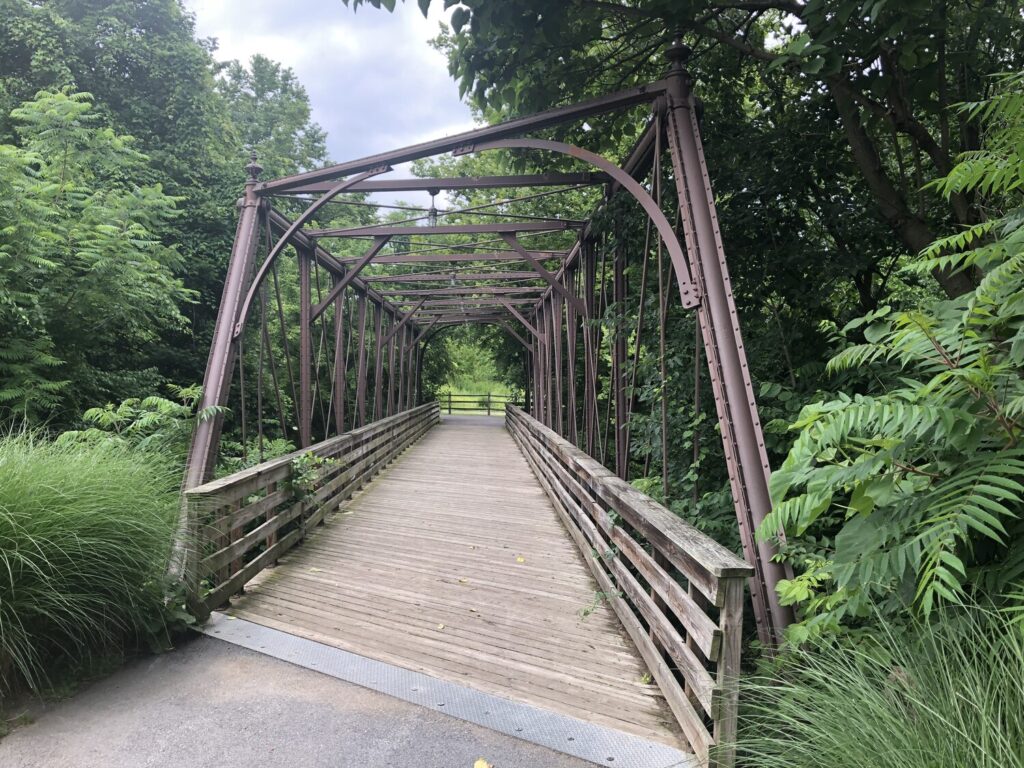
Opposite the Foundry Building, on the path of the Schuylkill River Trail, was a “demo” bridge built out of Phoenix Columns – another of the company’s products for creating pre-fab bridges – that dates to 1871. This bridge carries the trail across French Creek.
The Phoenix Column Bridge. – Photo by the author
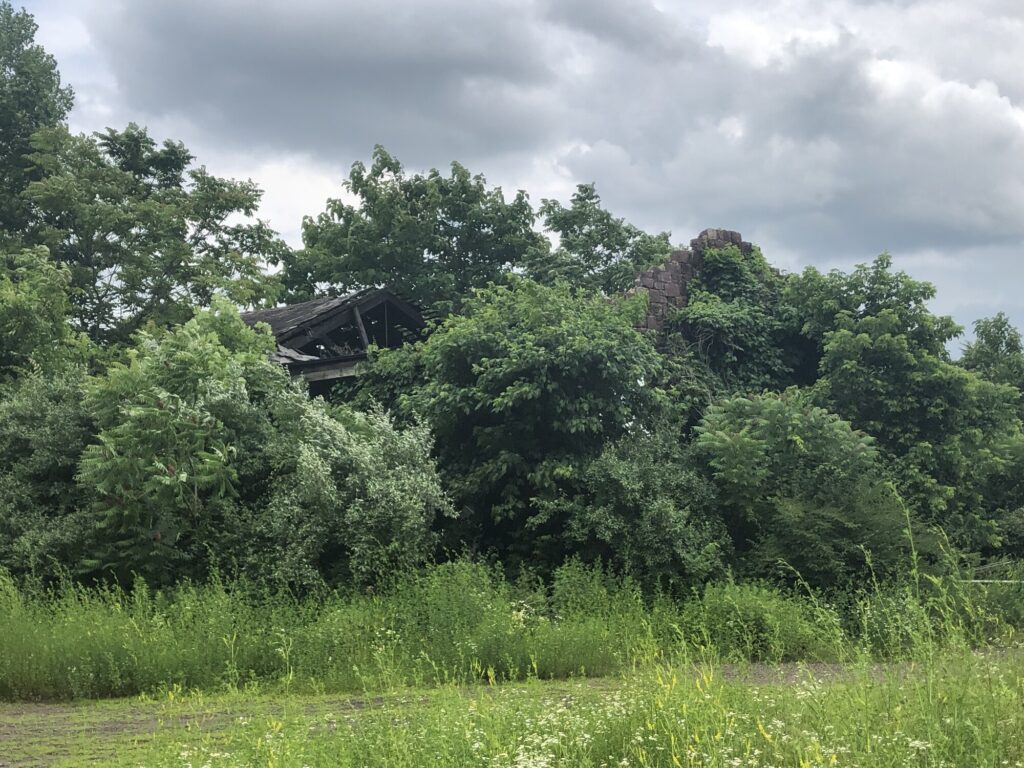
Sadly, all of these structures were built in the post-Civil War years. The site where the artillery was made was on the north side of French Creek, along the trail. I was able to walk along the path, and even went off on some side trails, but I couldn’t find any ruins that looked to be from the right era. There was a lot of poured concrete, which I think would have been installed later. The iron works eventually made the transition to steel, and continued to operate into the 1970s.
Overgrown ruins in the area where the Civil War-era portion of the iron works would have been. These are gone now. – Photo by the author
Today, the site where the cannons would have been forged is a new neighborhood called “Steelpointe“. Nothing of these houses existed when I visited in 2019, so I’m glad that I was able to see the site in as “pure” a form as possible. I wonder how many of the people who live here realize how important this stretch of land along the creek was to the Union war effort. I’m constantly reminded of how much history is directly under our feet, if we only have the will to explore it.
Longtime readers will know that I’m something of an artillery nerd, so while I’m “in the neighborhood” I can’t pass up the chance to see where the West Point Foundry was located. This 19th century industrial site manufactured a number of metal goods, but most notably the Parrott Rifle, invented by, and named for, West Point Foundry Superintendent Robert Parker Parrott.
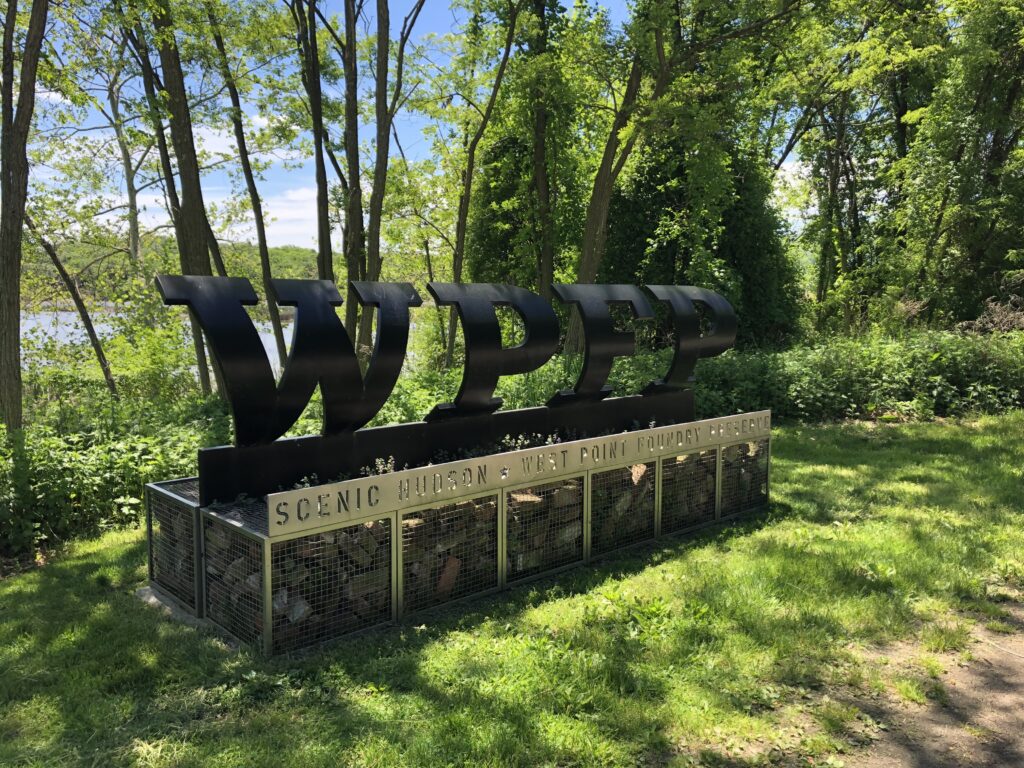
The sign at the entrance to the “West Point Foundry Preserve” – Photo by the author
The old foundry grounds have been made into a public park – part historic site and part nature preserve. There is also a pretty cool multimedia tour that can be accessed on-site from a smartphone. I took advantage of that tour during my visit.
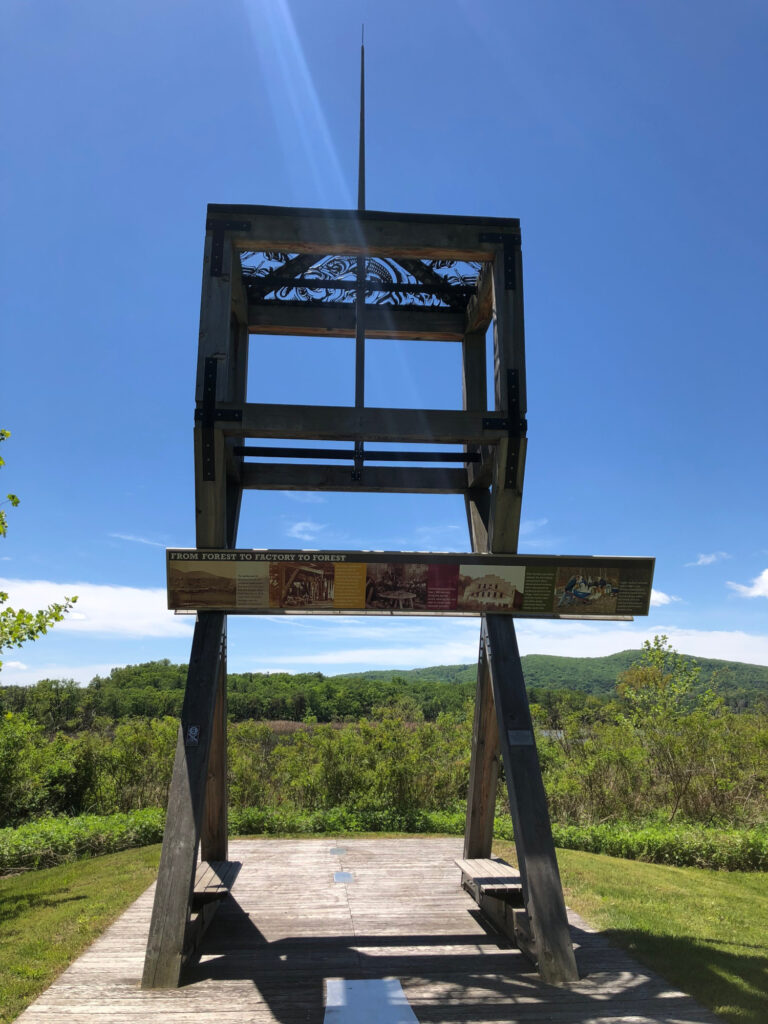
The first thing to visit here is a reconstruction of the old artillery testing rig down near the Hudson River. New artillery pieces were tested by firing projectiles across the river toward Storm King Mountain at the very northern end of the United States Military Academy grounds.
New artillery pieces were test-fired here. – Photo by the author
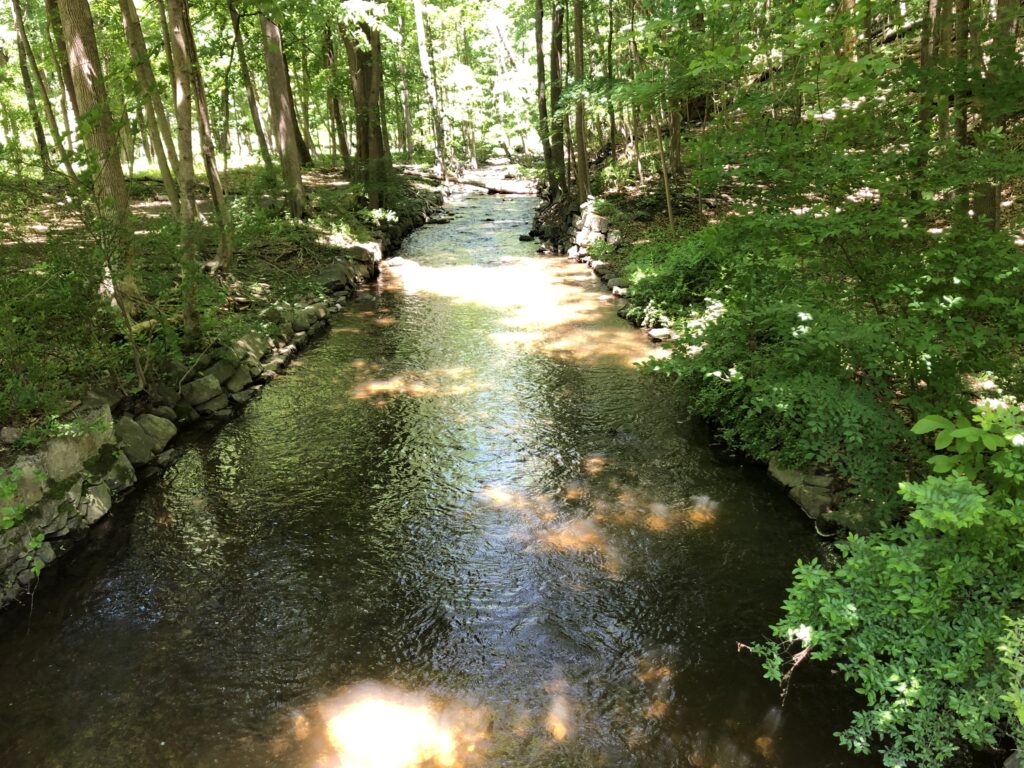
I only saw a few other people while I was there – it is quite a serene setting, so the park works well even if you’re only looking for a quiet time in the woods. The waterway that powered the factory is still here – the aptly-named Foundry Brook – and it provides just enough white noise as you stroll along the path of the old railway bed that ran among the various buildings here.
Foundry Brook still flows through the site. – Photo by the author
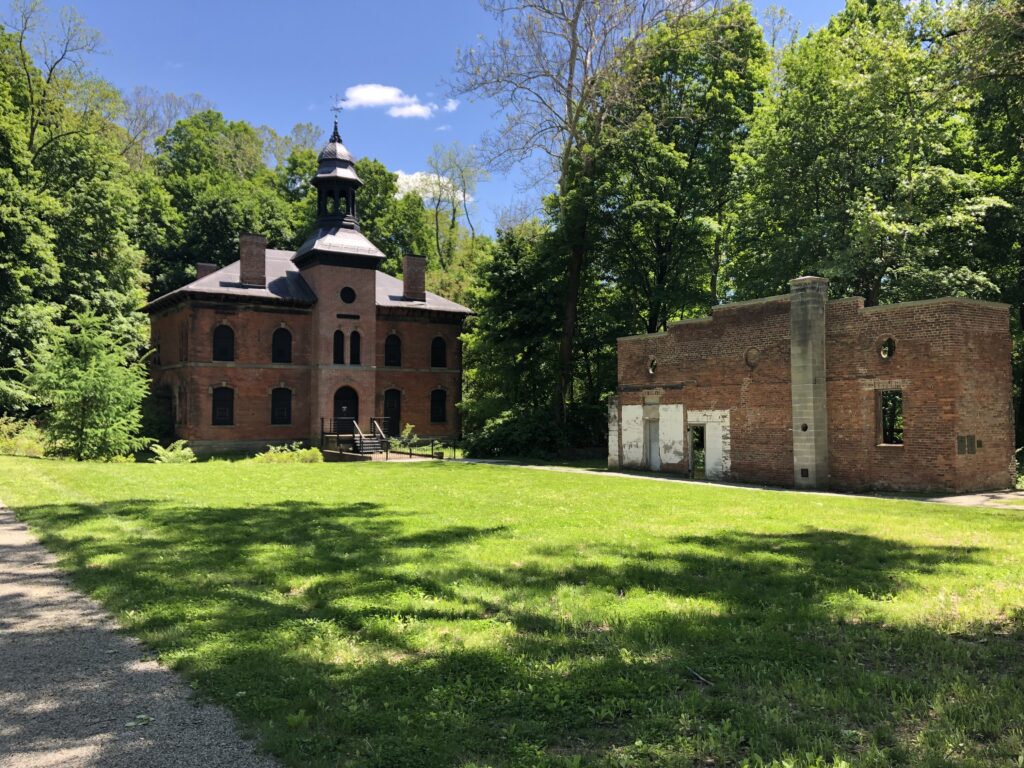
There are several ruins remaining from the days of the foundry. The most notable and prominent is the old 1865 Office Building that was constructed during the height of the site’s productivity. While there are some walls still standing, most of what is left here are building foundations. Even with the multimedia tour and the few wayside markers along the way, you need to use a fair bit of imagination to envision what the place must have been like when it was a major producer of iron goods. Mother Nature has done a good job of reclaiming the land.
The 1865 Office Building at West Point Foundry – Photo by the author
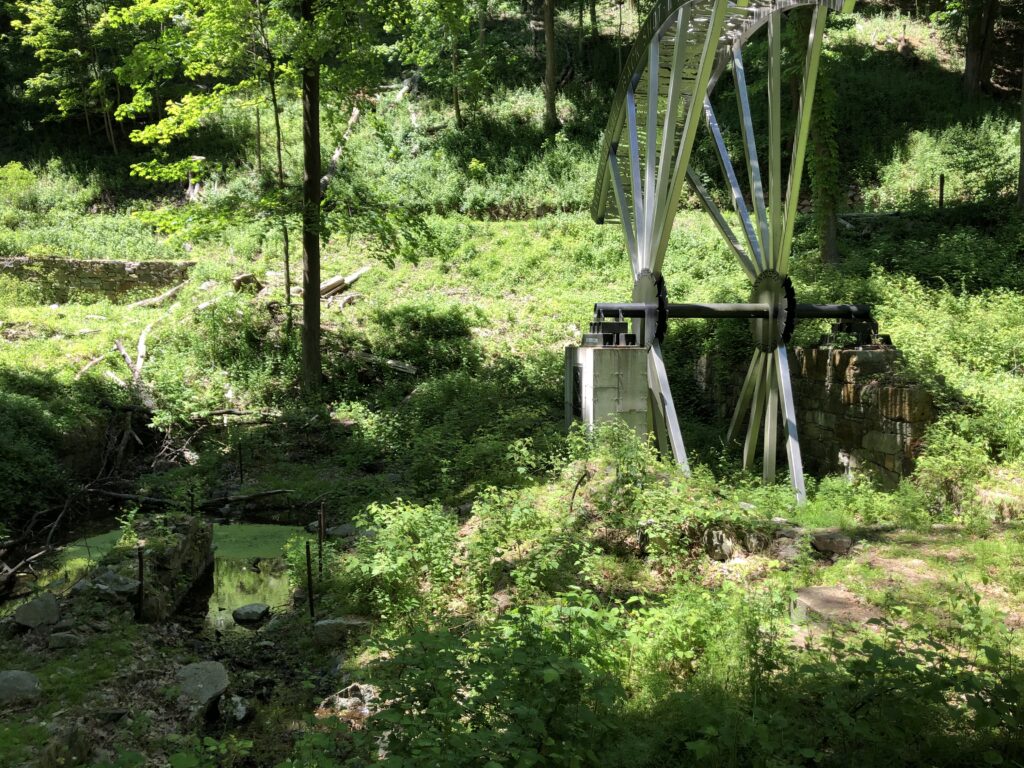
The imagination is assisted a bit by the inclusion of a reproduction of part of the old Boring Mill wheel – mainly so the visitor can get a sense of the scale of the thing. This is the part of the factory that made artillery production possible – it carved out the barrel of the guns and allowed for rifling to be done.
The new “Boring Mill Wheel” helps with the visitor’s vision of what the foundry was like in the mid 19th century. – Photo by the author
I really enjoyed my time at the preserve. There are so many aspects to Civil War history that can be explored – it’s so much more than battlefields.
I’ve spent some time lately redesigning my home network thanks to some new (to me) equipment that I found on eBay. This post is a breakdown of what I’ve done so far (and maybe a bit about my plans moving ahead).
Core Switch
For a few years, I’ve had a really nice router that allowed me to create separate subnets for different purposes. Up to this point, I’d only had small, “dumb” switches, so for each new subnet that I wanted to create, I needed a completely separate router interface and switch. It got out of hand really quickly, becoming a rat’s nest of different consumer-grade equipment.
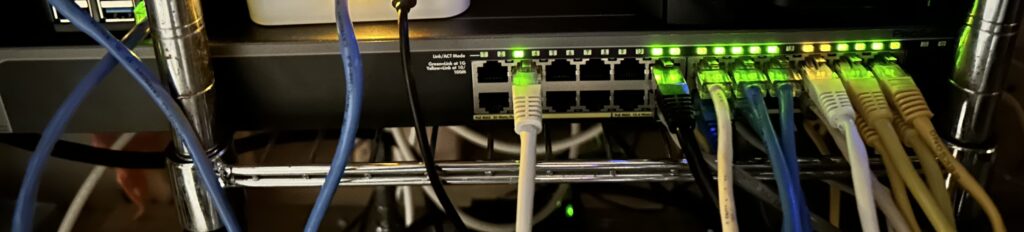
A few weeks ago, I found a used NetGear “smart” managed switch. In addition to 24 gigabit Ethernet ports, it also has 4 SFP ports for later expansion. All the ports support at least PoE (802.3af) with 8 of the ports supporting the more powerful PoE+ (802.3at) standard. Of course, it allows for VLANs, and link aggregation, too. This one piece of equipment has enabled everything else that I’ve been able to upgrade. It’s a really powerful addition to my home LAN.
The “new” core switch just after I got everything working. – Photo by the author
I’m not going to lie – this took a little while to get set up. It wasn’t immediately obvious that the aggregate links I was setting up on the switch for my uplink to the router, and for one of my servers, weren’t using LACP by default. This manifested as unreliable links – not broken ones. Most traffic would get through, so it was hard to pin down exactly what was broken when I’ve also just moved EVERYTHING else at THE SAME TIME. I made this move as a total heart transplant as far as the network was concerned, because I felt a lot of pressure to get the Internet back up quickly for the other members of my household. In the end, trying to rush caused me to miss things in the troubleshooting process. There were several cycles of reverting all the changes and starting from scratch. I also could have done a better job of finding documentation and doing a written plan of action first.
In the end, everything worked out, and we have a MUCH more capable network now.
Wireless Access
Prior to having the ability to do separate VLANs on the same switch, I had to run totally separate hardware stacks for each subnet I wanted to provide. The same was true for Wi-Fi access: there were multiple access points, each tied to its own subnet and with its own distinct SSID.
Why not put in an access point solution that was also VLAN-aware, and since I now have a PoE-capable switch as well, take advantage of that at the same time? This would also let us get rid of the $15/month we were paying to lease our main Wi-Fi router from our ISP. That was going to be the next phase of the plan. I decided on a Ubiquiti UniFi U6-Lite Wireless Access Point, and was able to find a refurbished one for sale to save a few bucks.
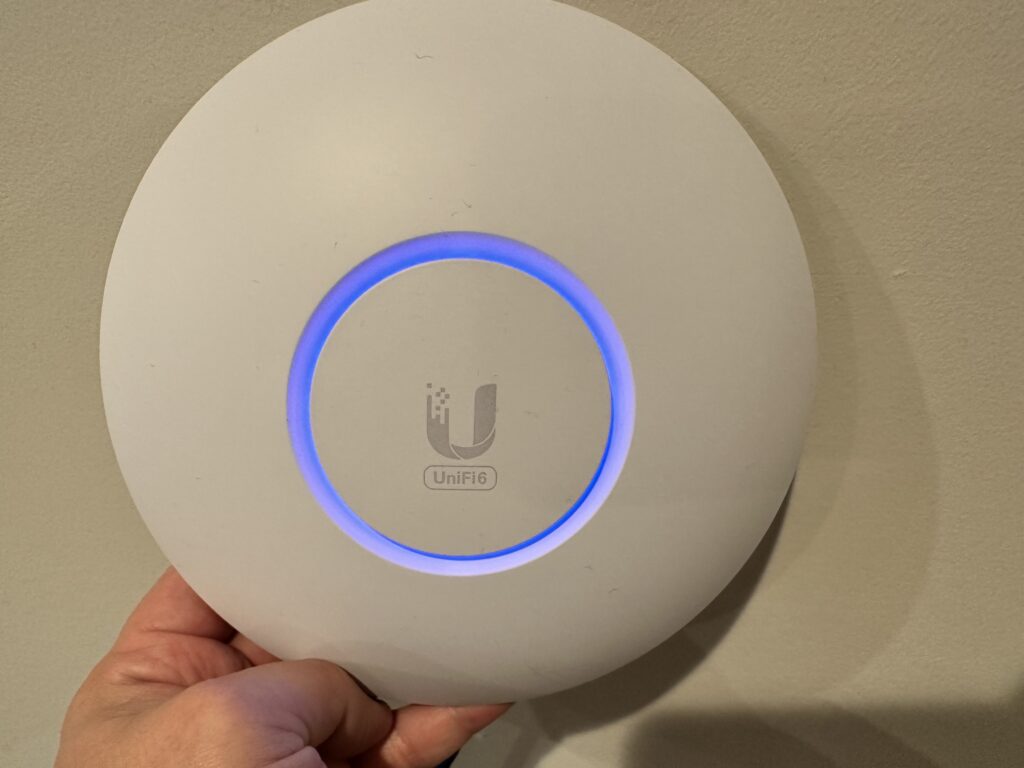
The U6-Lite Access Point – plenty for our needs, and as a refurb unit, the price was right. Looks great, works even better! – Photo by the author
I already had some experience with Docker, so I decided that I would run the UniFi Network Controller software myself within a container. I know – it’s sort of overkill for a single access point setup, but that’s the easiest way to get the VLANs going the way that I wanted. It was super easy to deploy the container, but I had a little trouble getting the access point to adopt at first. It turns out that my VLAN configuration wasn’t quite right on the switch: I really needed a separate management VLAN for the access point and controller to live on so that all the other VLAN tags would work correctly – after a little bit of experimentation, I found a config that worked.
That’s been a theme of this project so far: if I was more experienced with VLANs, or with LAG configuration with the switch, then this whole thing would have been almost plug-and-play. But isn’t that why we have home labs? So we can play with these technologies and gain experience?
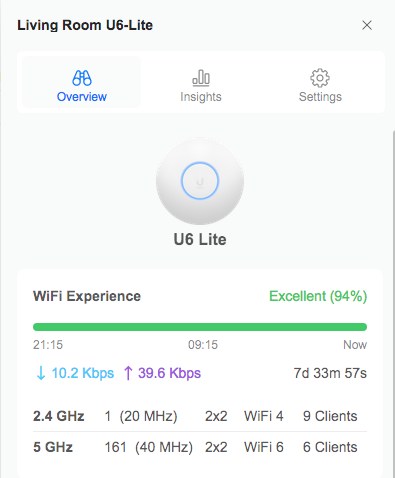
Returning to the task at hand – the UniFi Controller software is really wonderful. There is SO MUCH data about your network and how it is running, and it’s beautifully-presented. My kids really enjoy seeing the animated visual representation of traffic flow that can be turned on within the topology section of the dashboard. Very cool stuff!
Performance data about our humble U6-Lite within the UniFi Controller. – Screenshot by the author
In addition to our regular “Home LAN” Wi-Fi, we now have separate SSIDs (and VLANs, each with their own appropriate restrictions) for my kids to use, for IoT devices in the house, and even for guests (with a super-slick captive portal built in!) I’m very impressed with the UniFi system.
Servers and Services
So what are we going to do with all these new network capabilities? Well in my last post about this general topic, I talked about a lot of the things that my boys and I had been playing with in our home lab – we’re still doing those things, but at a larger scale and with better organization now.
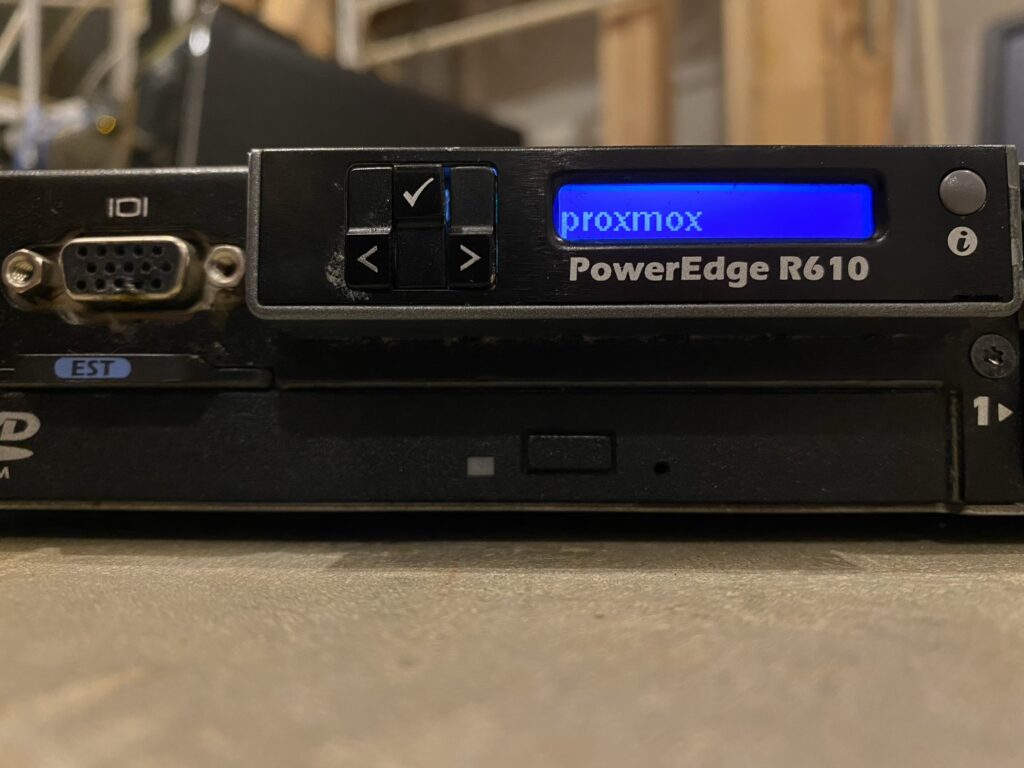
For starters, I’ve really come to love Proxmox. Since I last wrote here, we’ve upgraded our virtualization server from an old desktop to a used 1U rackmount server that the boys’ grandfather found for us on a local marketplace site. The new machine is a Dell PowerEdge R610 with 2 Xeon X5675 CPUs (for 24 total threads), 80GB of RAM, and 2.4TB of storage. It’s a monster of a machine, so I don’t keep it on all the time – I only use it when I want to play with a really complicated system or set of systems together. I’m able to keep it off because it has an iDRAC integrated lights-out management system that allows me to send a network signal that turns the machine on remotely.
The front panel of our second-hand Dell PowerEdge R610 server. – Photo by the author
For a few years, I’d been running most of the network services that need to be on all the time on small, inexpensive single-board computers. These have been really great because they don’t use a lot of power or make any noise, and have been reliable enough and fast enough for our purposes. As I’ve gotten more used to having the power of Proxmox around, I’ve started to see the limitations of my old way, though. And similarly to the issue of each subnet needing its own networking, each service that I wanted to limit to a particular subnet needed its own server for that subnet in order to remain truly isolated.
Now that I have proper VLANs, why not set up a lower-power server and run a single trunk connection? Whenever I need to add a new VLAN, it’s as simple as adding a new tag on that server’s interface and the switch port. Proxmox makes that process really easy.
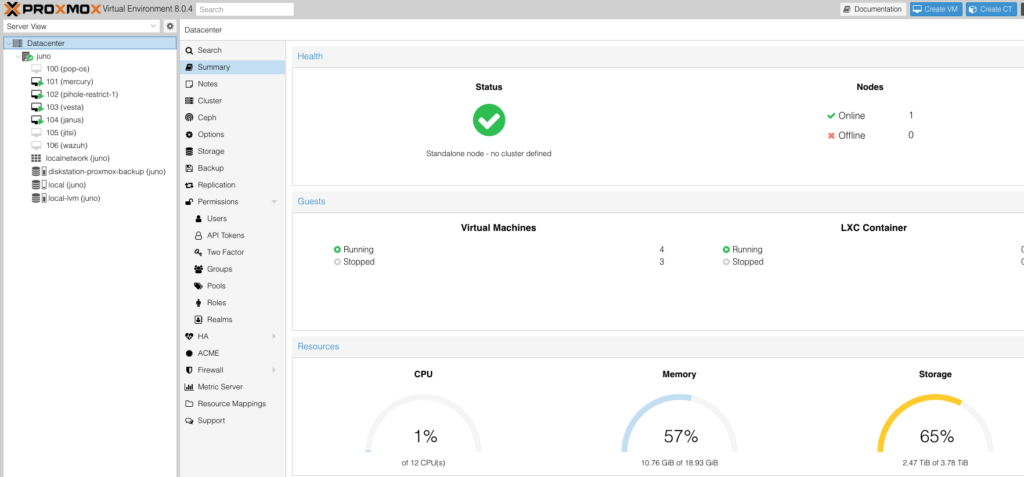
Proxmox runs on our old laptop very well. Modern hardware – even consumer-grade stuff – has a lot of headroom. Screenshot by the author
So that’s what I’ve done. I’m replacing 3 separate single-board computers with a single laptop we were no longer using. I put a little more RAM in it, installed Proxmox, and set up a few VMs for hosting internal and external services. All the websites I host for our family are now containerized (including this one). I have a single VM backup to run (which takes just a couple minutes) and all that data is safe. This setup will also make the eventual migration of the sites to new hardware a breeze.
For containerization, I’m still using Docker. I feel like I was a little late to that party, and I had some trouble wrapping my head around it at first, but I see all the benefits now. I know that I can run LXC containers within Proxmox, but I haven’t messed with that too much. I really like the interface that Portainer supplies, and I feel like I have a setup that works really well for our purposes. I might experiment a little in the future (it IS a home lab, after all) but for now, Docker is our “production” setup.
For the Future
Things are working really well for now. I’m so pleased with how everything has come together since ripping out all my old networking and rebuilding around a commercial-grade switch.
I think the next thing I’d like to do is replace my current network storage setup with a proper NAS. I don’t think I’d want to use the UI that comes with the types of systems that you get from something like a Synology or QNAP – I’d probably just use them as a raw pool of storage, and run something like NextCloud for the “friendly” interface to all that storage. I just need a big hard drive that I can talk to over a couple of TCP ports. 🙂
Next, I’d like to improve the reliability of my hosted services by setting up a modest Proxmox cluster. There are a lot of ultra small form factor, so-called “1-liter” desktops on the secondary market – largely as they come off of corporate leases, it seems. My own experience (and what I’ve seen from other home lab enthusiasts) seems to suggest that with enough RAM, they’d work out really well as Proxmox nodes. I’m not sure if I’d go so far as to set it up as a high-availability cluster, but being able to shuffle VMs back and forth as I move around the underlying hardware, or do updates, would be of great benefit.
I’m excited about the possibilities that are available for the boys and I to explore. I’m sure there will be more posts coming as we build more things!
The last few years have been pretty crazy. In addition to the COVID-19 pandemic that the world has been dealing with, I’ve had a lot of things going on in my personal life that have kept me quite busy. While the main focus of my blog here is history, from time-to-time I like to give an update on the things I’ve been exploring in the technology world – mainly because it’s one of those things that my boys and I love doing together. I continue to use the same kinds of open source software that sparked my love of computers in the first place, and that ecosystem has only gotten more robust in the last 20 years. The things my sons and I have set up now have given us a great platform to try out the possibilities and expand our understanding and creativity. It’s been a great way for us to bond.
Kids Stuff
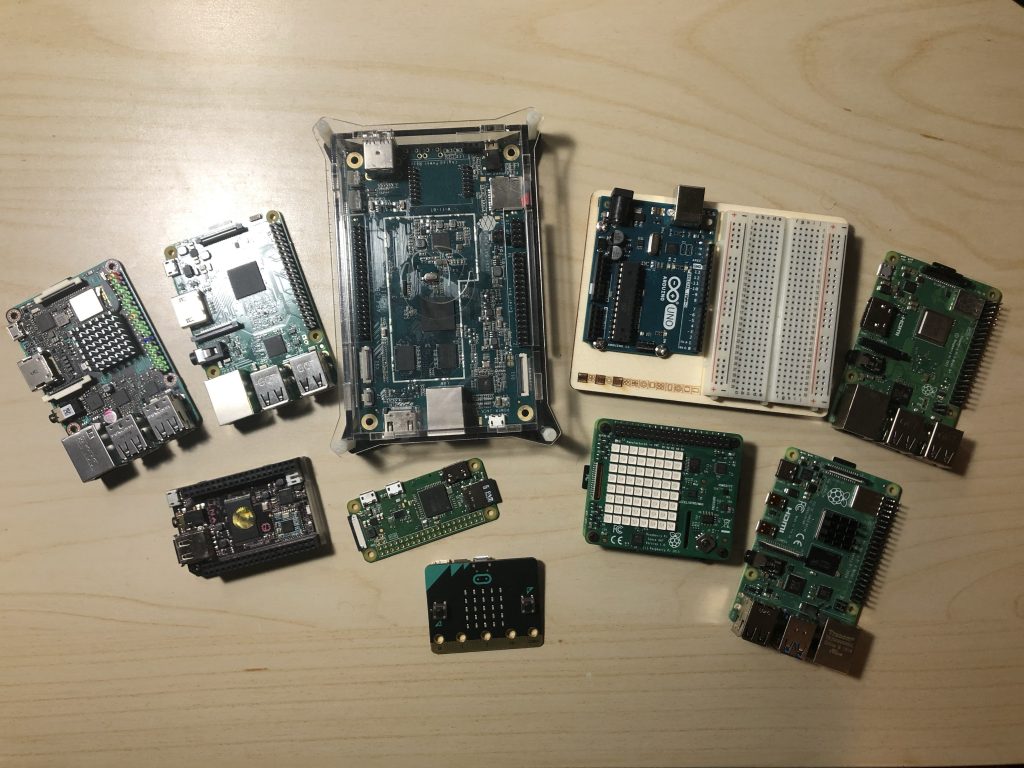
The boys have been learning about Linux and all the related software by using Raspberry Pi single-board computers. We have quite a collection – and I’m glad because it’s quite hard to find them these days because of all the semiconductor shortages. We’ve had a few Pi 3Bs, a Pi 3B+, a Pi 3A+, and lots of Pi Zeros. Some family members got together to buy the boys a Pi 400 for Christmas the year before last, but it suffered a horrible death due to being transported around too much.
Sometimes, we experiment with microcontrollers, like the BBC micro:bit, Adafruit Circuit Playground, or even Arduinos, and it’s as much a learning experience for me as it is for the kids. If we do anything particularly notable there in the future, I’ll probably make a post about it.
Some of our collection of single board computers and microcontrollers. – Photo by the Author
The boys each have their own laptops – courtesy of their maternal grandfather, who has a knack for collecting used computers and reselling them online. Every time we visit, the boys want to “go shopping” in Baba’s basement warehouse for new-to-them pieces of tech gear.
John currently has a Toshiba Satellite L75D-A7283 with 6GB of RAM and a 512GB SATA SSD that we installed together. He has it partitioned so that he can boot into either Zorin OS or Windows 10. His biggest issue with the computer is that there is no motherboard / BIOS support for the virtualization technologies that the built-in AMD A4should possess. This keeps him from using newer versions of VirtualBox to play with. Probably his favorite thing to do with the computer is play the PC Building Simulator video game.
Isaac’s laptop is an Asus X54C with 4GB of RAM and a 500GB HDD. Like his brother, he can boot into Windows 10, but prefers to use KDE neon. Isaac likes to code silly things with Scratch and Microsoft MakeCode – sometimes he loads his creations onto one of our microcontrollers.
Main Webserver
I don’t know that I ever really announced it here, but I’m back to self-hosting this website after using a provider for a number of years. The current iteration runs on a Pine A64+ – a really awesome little single-board computer with a quad-core, 64-bit ARM chip and 2GB of RAM – running the Ubuntu Server variant of ArmbianLinux. For resource efficiency reasons, I moved from Apache to nginx for the webserver a few years ago. The site is still built with WordPress. I also host a few other things on this box, including my kids’ websites.
Networking
By accident just walking around my local Microcenter one day, I discovered the Ubiquiti EdgeRouter X and couldn’t believe how powerful it looked for the price. I just had to pick one up, and it is now my main router. This has enabled me to run multiple different LANs and segment network traffic in my home to keep IoT devices away from the rest of my computers. While networks seem to intimidate a lot of people, I’ve found the EdgeRouter to be pretty simple and even fun to set up and use. Ubiquiti’s products are great for anyone who wants to take their home network to the next level.
VPN Server
Along the lines of networking, I wanted to have a VPN set up so that I could have secure access back to my home network if I needed to modify anything on the go, or just to encrypt my traffic for security reasons if I had to use public wi-fi. I set up OpenVPN on a dedicated server for this purpose and have absolutely no complaints about the way it performs.
Docker
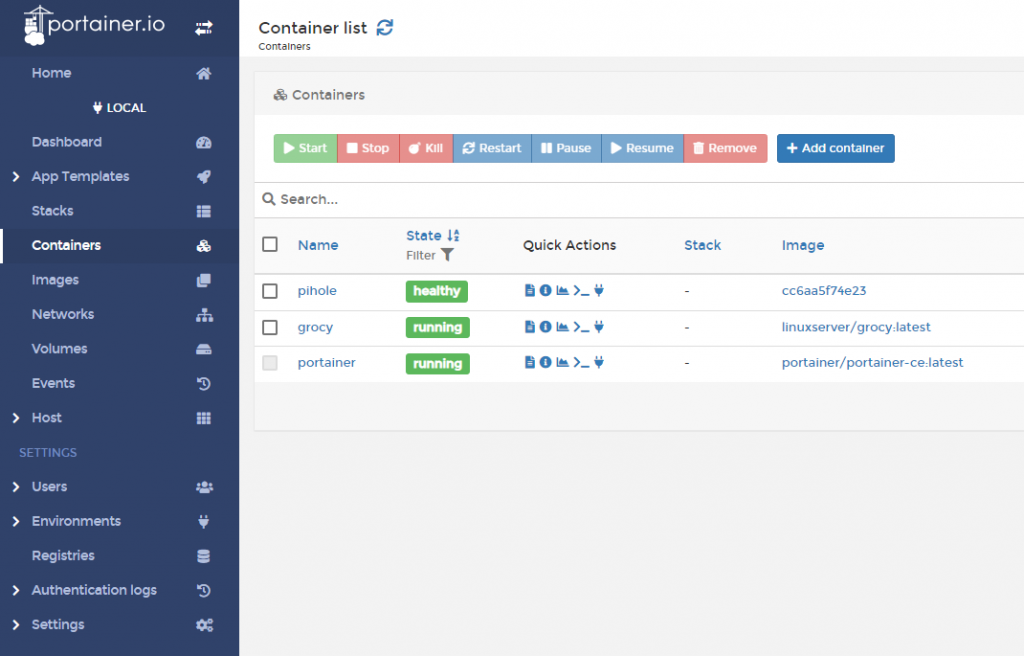
I’m still trying to get my head around how Docker works. Portainer has been really helpful. – Screenshot by the Author
I’m certainly no expert on containers – I’ve only begun playing with Docker recently on a Raspberry Pi 4 with 8GB of RAM that I’m running as a server – but I can see why it’s become a popular technology. Managing the containers through a web interface – I use Portainer – has made it much easier to understand what is going on. The boys and I have played with a few things in Docker:
Guacamole – An open source VNC / RDP / SSH gateway that can run on basically anything with a modern web browser. Very cool technology, but it was a bit of a resource hog on the Pi.
PiHole – I’m a little bit paranoid about “smart” TVs, so in addition to running a totally separate network segment for my IoT devices, I also funnel their network requests through this DNS filter to cut down on the amount of spying that these devices are capable of (or even like to do). This also has the benefit of cutting down on the amount of ads we see on websites, and I have it configured to protect us from other harmful stuff out on the Internet.
Habitica – A tool for making real life self-improvement into something like a video game. The “open source” version forces you to clone their entire website – including all their payment processing code – and really seems to be intended for people who want to help them fix their bugs. That said, this was a little too clunky to be useful as a self-hosted thing in our case.
Grocy – We set this up as a home inventory system for groceries. Still experimental for us at this point. I love the idea of being at the grocery store and knowing how many cans of soup we have at home, but keeping the inventory up-to-date is where we have a problem.
I haven’t quite gotten to the point where I feel comfortable running the things I really care about within containers, but maybe that will come some day.
Proxmox
The REAL fun has been in exploring Proxmox – an open source hypervisor server based on Debian. Admittedly, virtual machines are definitely heavier on resources than containers, but they provide a lot more flexibility in my mind. Through a web interface, we can now quickly spin up virtual servers to play with different operating systems, software, and even network configurations – and it’s a lot easier to tear them down once we’ve finished.
I’m running Proxmox on a second-hand Dell XPS 8300 Desktop with 16GB of RAM and that has been plenty for our purposes. So far, I’ve kept a dedicated FreeBSD VM running on it, as well as a VM for playing with Kali Linux. The boys have also used it for test driving different Linux distros before they each chose one for their own laptops.
I’ve decided to change things a little bit around here. I’m switching the web address for this site over to a domain I’ve had for a few years and just haven’t done anything with. As of today, the new official URL for this blog is:
Any old links using the http://pete.skilmnet.net/ address should continue to work, I just wanted to start using a cleaner, more recognizable default address from here on out.
Please update your links and bookmarks accordingly, and thanks for reading!
Since I was a kid, I’ve loved road-side historical markers. I always wanted to stop and read them, and sometimes (when we weren’t in too much of a hurry) I got the chance to. There’s something really great about seeing tangible reminders of history out in the world where you’re living.
It turns out that I’m not the only person who feels this way. Several years ago, I discovered the Historical Marker Database – a hobby project of a history-loving IT guy like me – that seeks to catalogue every historical marker in the world. I make heavy use of the website when I’m researching, and it also makes for a fun way to go down a historical rabbit hole that I might not explore otherwise. You should definitely go check it out.
As you might imagine, finding all these markers is a huge undertaking – certainly more than one hobbyist can handle. A volunteer board of editors has sprung up over the years, and thousands of people have contributed photos and descriptions of markers to the cause.
Anyone who runs a WordPress site knows about comment SPAM.
Basically, there are computerized robots roaming the Internet, looking for WordPress (and other blogs) to leave comments on. These comments are usually in the form of links to porn websites, or to sites selling fake Louis Vuitton bags out of Yugoslavia or something. The idea is to get links to their site on as many other sites as possible, because that’s how they increase their ranking on Google.
Anyway, I get a lot of this stuff. So much in fact that I can’t leave comments turned “on”, they have to be left in a “moderated” mode, where every comment needs to be approved before it is visible. It’s a mess.
It’s not all dark clouds, though. The entertaining thing is that there aren’t just links in these comments. They try to put something in there that sounds like a legitimate comment, but is always just a little off. Here are a few examples that I found particularly funny:
“A real uncle isn’t friends, although friends are usually each uncle.”
“Fancy can be the effective requirement for your personal living therefore the expansion of truley (sic) what most of us take pleasure in.”
“When you really need any accountancy of one’s importance, rely pals.”
“Around the world you most likely are someone, yet to person you most likely are everything about.”
Actually, there might be some good advice in there….